Ask Sylva is a special mode that searches across everything in your Sylva workspace to answer your questions. It looks through your threads, meetings, meeting transcripts, tasks, scratchpad, uploaded documents, and captured communications (Slack messages, emails, web clips) all at once.
How to Use It
-
Click Ask Sylva in the sidebar or from the Dashboard quick actions
-
Ask a natural language question — just type what you want to know in the search bar.
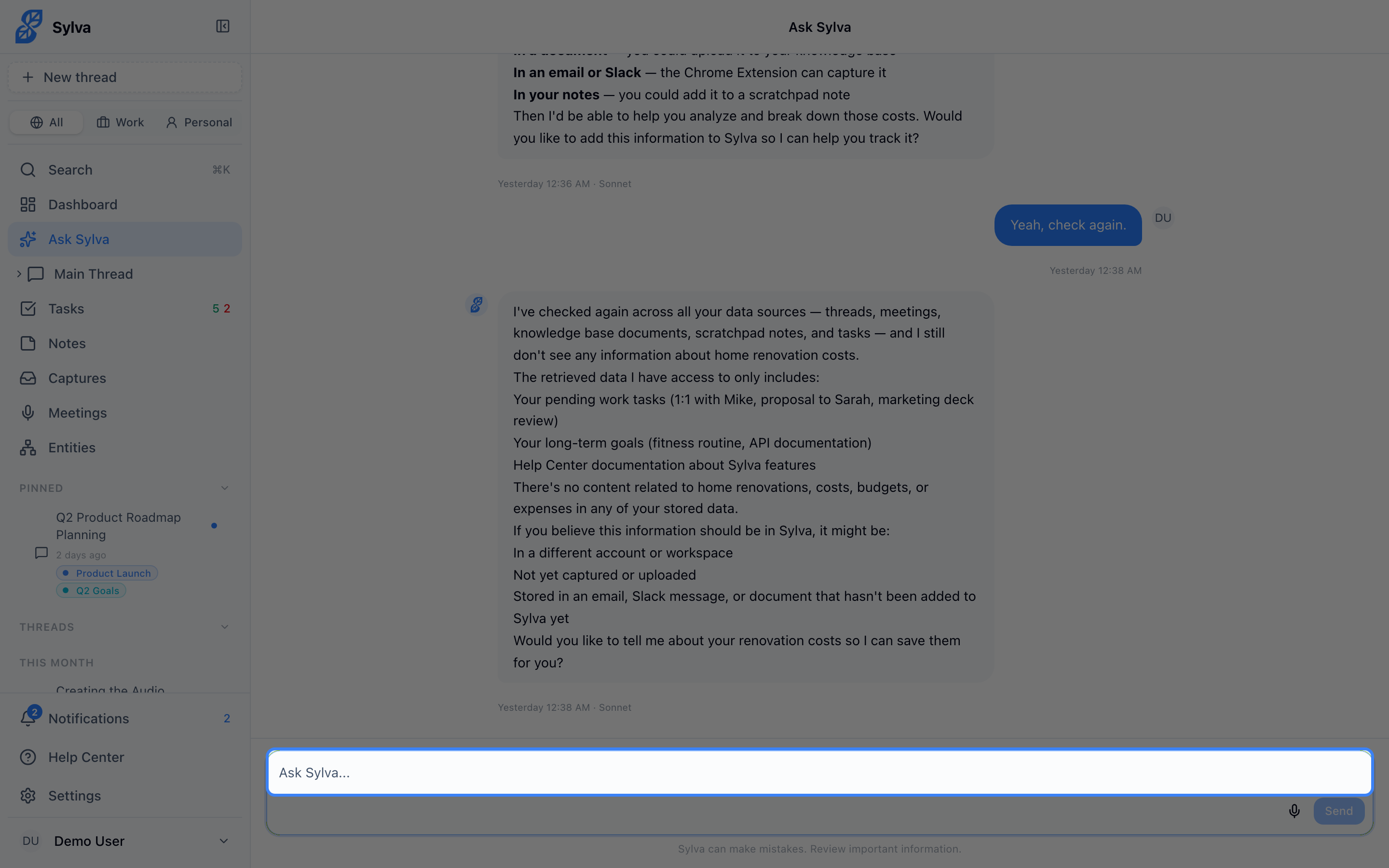
Some examples:
- "What did we decide about the pricing model?"
- "When is the marketing proposal due?"
- "Summarize my meeting from Tuesday"
- "What have I been working on this week?"
- "What did John say about the deadline in Slack?"
- "Summarize the email from the client about the contract"
- "What action items came out of the Q3 planning meeting?"
-
Sylva searches your data and responds with answers that include source citations — little references like [from: "Project Kickoff" thread], [from: Slack from John Smith], or [from: "Q3 Planning" meeting transcript] — so you know exactly where the information came from.
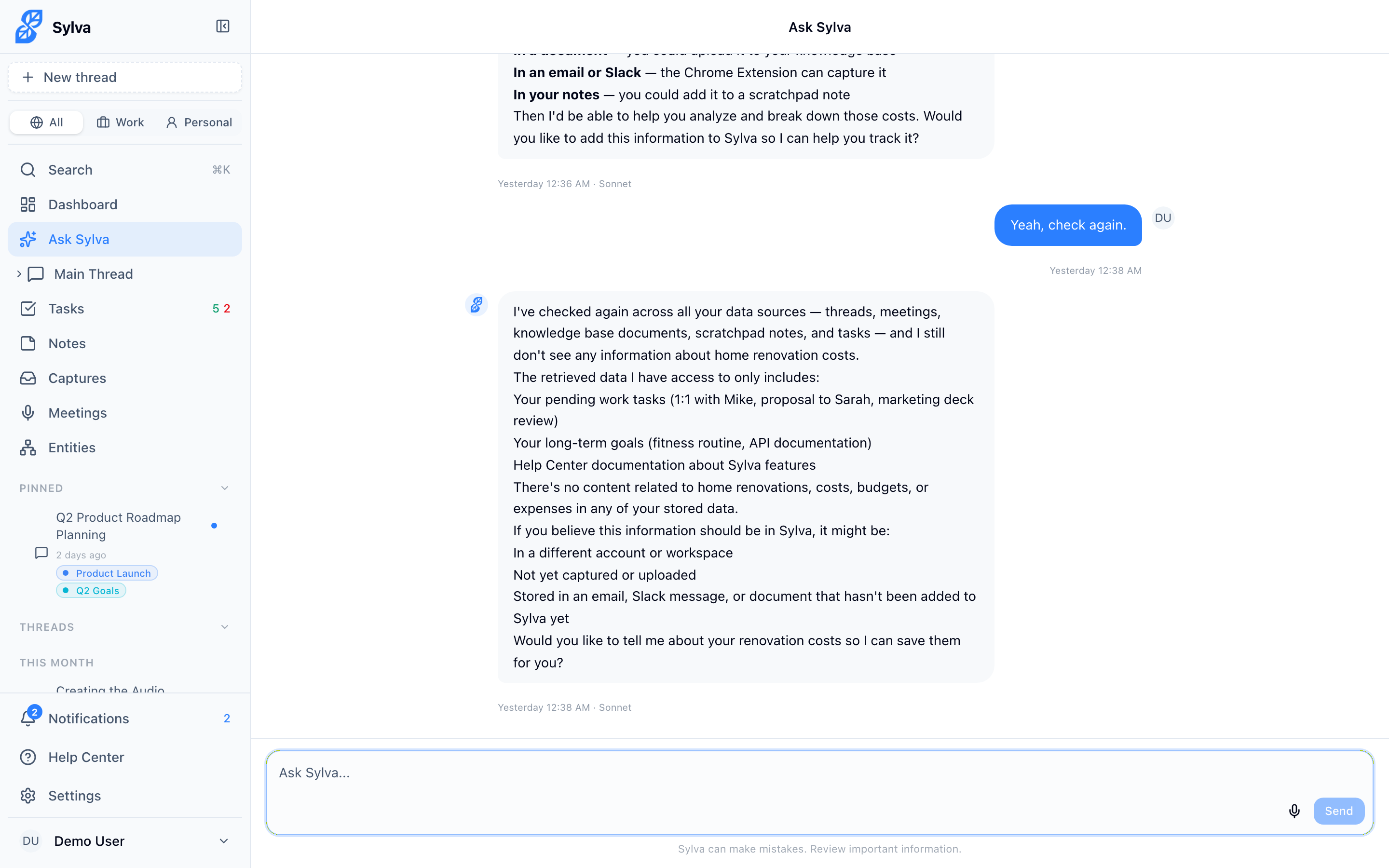
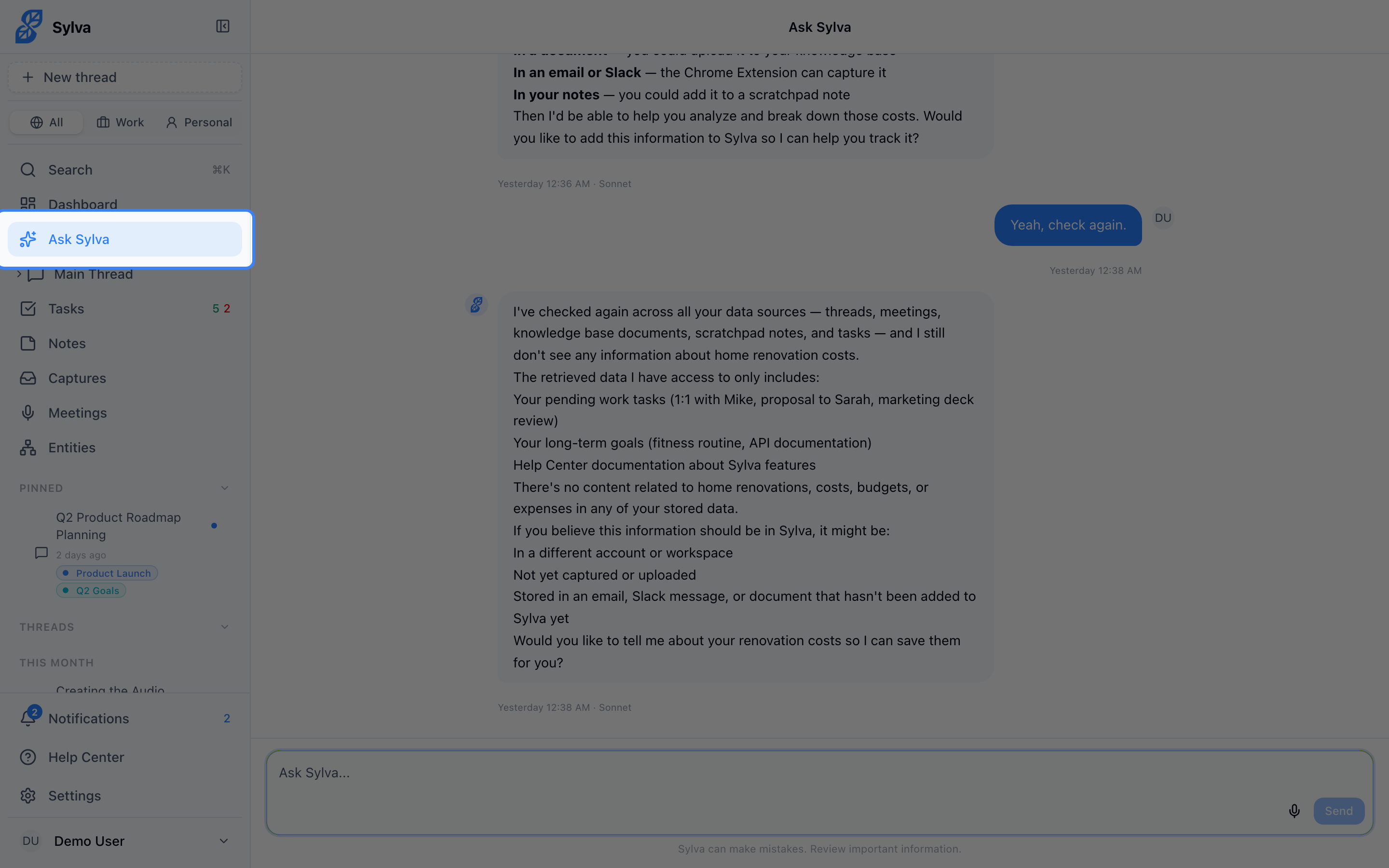
You can also find Ask Sylva quickly from the sidebar:
Sylva uses both AI-powered semantic search and keyword matching, so it can find information about specific people, projects, or topics even if you don't use the exact same wording.
Ask Sylva follows your profile
Ask Sylva looks in the profile you chose in the sidebar, plus anything that has no profile. When it does, the reply starts with a line such as From your Work profile, so you know where the answer came from. If the sidebar is on All profiles, it looks everywhere and there is no line.
To look beyond the profile for one question, say so: "search all my profiles for the budget", or "in my Personal profile, what is due". If nothing matched in your profile but your other profiles may have something, Ask Sylva tells you how many possible matches there are, without saying what they are, and you can ask it to search all your profiles.
Meeting Transcript Context
When you ask a question, Sylva automatically searches your meeting transcripts alongside all your other data. If a meeting contains relevant information, Sylva retrieves the most useful excerpts from the transcript and includes them in its answer — you don't need to remember which meeting something was discussed in or go hunting through recordings.
For example, if you ask "What did the team agree on for the launch timeline?", Sylva might respond with something like:
The team agreed to target a March 15 launch with a two-week beta period starting March 1. Engineering committed to a feature freeze by February 20. [from: "Sprint Planning — Feb 6" meeting transcript] Marketing will have the press kit ready by February 25. [from: "Launch Coordination Sync" meeting transcript]
This is especially useful when decisions or context are spread across multiple meetings — Sylva pulls the relevant pieces together into a single answer with citations pointing back to each source meeting.
When to Use Ask Sylva vs. Other Features
| Use Ask Sylva when... | Use a Regular Thread when... | Use Meeting Ask AI when... |
|---|---|---|
| You need to find or recall information from anywhere | You want an ongoing conversation | You want to dig into one specific meeting |
| You want answers that draw from multiple sources | You're brainstorming or working through a problem | You need details from a particular transcript |
| You can't remember which thread or meeting something was discussed in | You're working on a specific project or topic | You want to extract action items from a meeting |