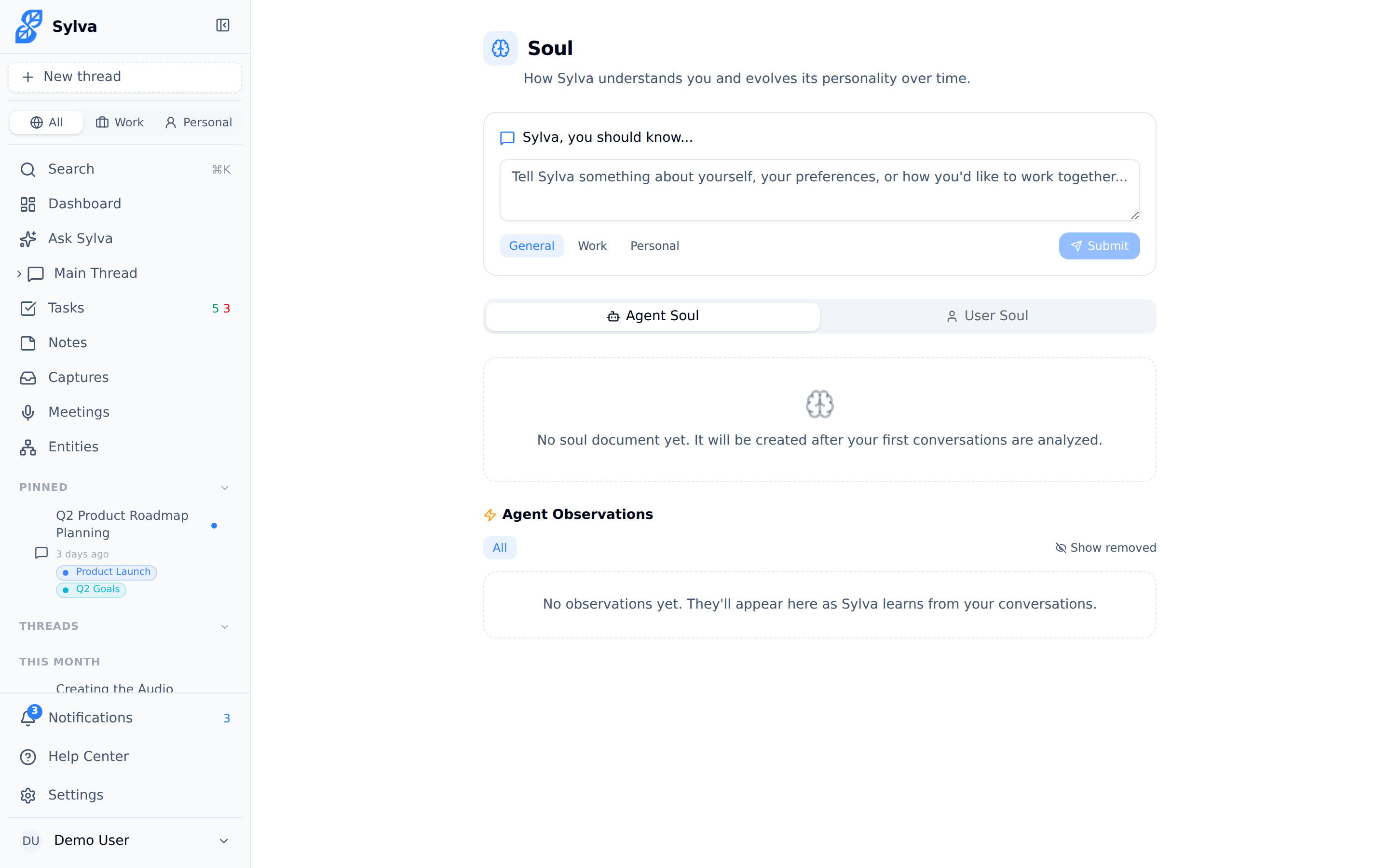
The soul system is how Sylva goes from generic assistant to your assistant — it maintains two evolving personality profiles that make every interaction more relevant, more natural, and more aligned with how you actually think and work.

Two Profiles, One Relationship
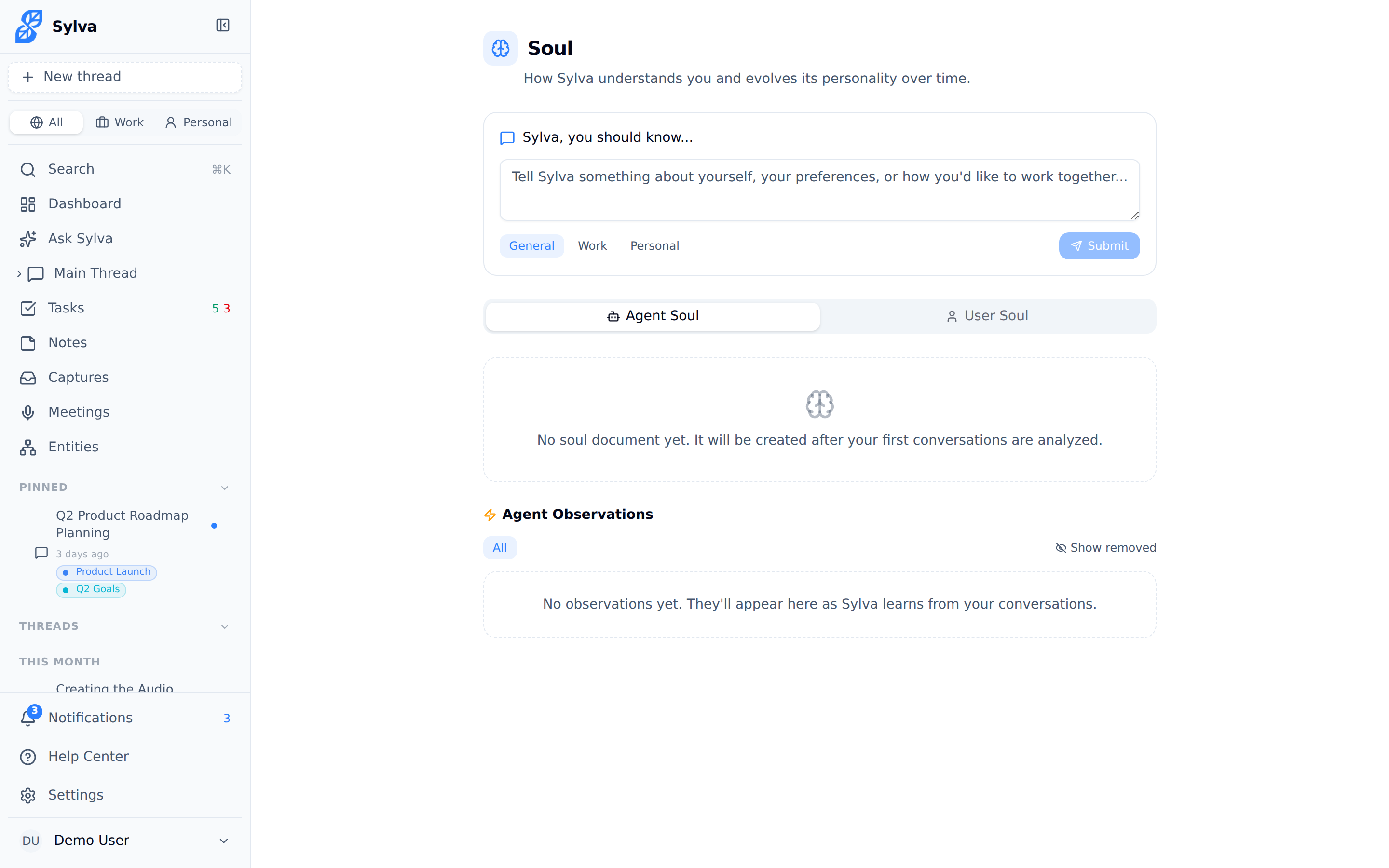
Sylva maintains two independent profiles — called "souls" — that grow over time:
- User Soul — A profile of you: your communication style, preferences, boundaries, decision patterns, energy levels, and current focus areas. This is how Sylva remembers that you prefer concise answers, dislike jargon, or are heads-down on a product launch this quarter.
- Agent Soul — A profile of Sylva itself as your assistant: the tone it should use, the behaviors that work well for you, and the guardrails you've set. Think of it as Sylva's own self-awareness about how to show up for you.
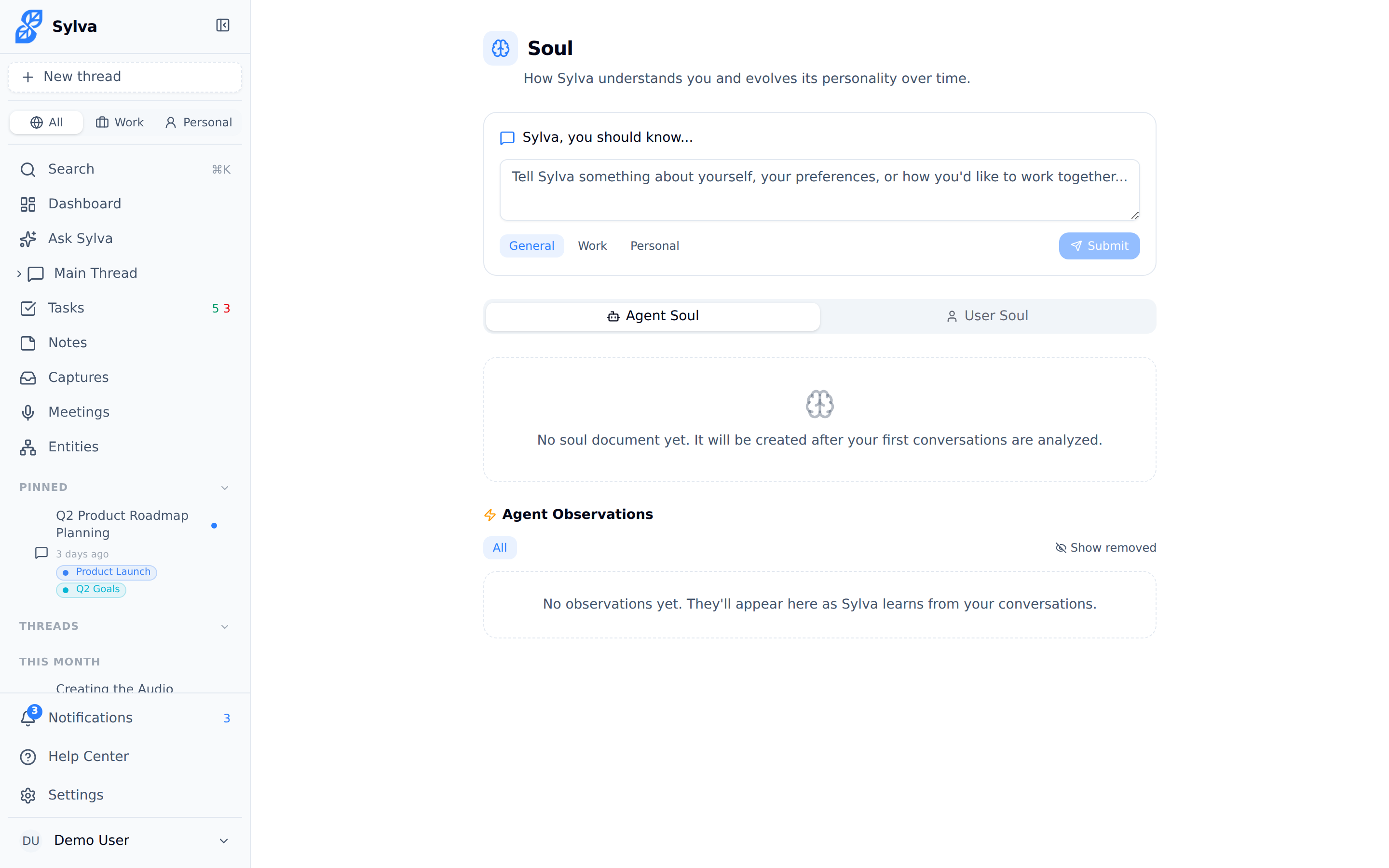
Both profiles live on the Soul page. Switch between them using the Agent Soul and User Soul tabs at the top of the page.

Observations: The Building Blocks
Every insight Sylva captures about you (or about itself) is stored as an observation — a single, specific data point like "Prefers meeting agendas sent the night before" or "Gets frustrated when responses are longer than three paragraphs."
Observations come from several sources:
- AI Extracted — Sylva's AI picks up patterns from your conversations, messages, and meeting transcripts automatically
- Onboarding — Initial preferences you share when you first set up Sylva
- Settings — When you change something in Settings > AI & Voice, Sylva logs the change as an observation so it understands the intent behind the setting, not just the value
- Feedback — Corrections or reactions you give Sylva during conversations
- You (manual) — Observations you add yourself using the input field on the Soul page
Each observation has several properties:
- Category — Describes what kind of insight it is. Categories include Communication (how you like to give and receive information), Decisions (how you make choices), Preference (general likes and dislikes), Boundary (things you don't want), Growth (goals and development areas), Relationships (how you interact with others), Energy (your work rhythms and capacity), and Focus (what you're currently prioritizing)
- Confidence score — A value from 0 to 1 representing how certain Sylva is about the observation. Observations that are reinforced over time gain confidence; one-off signals start lower
- Decay rate — Some observations are permanent (like a boundary), while others naturally fade over time (like a current focus area). Decay prevents stale information from lingering in your profile indefinitely
Telling Sylva About Yourself
You don't have to wait for Sylva to figure you out. The Soul page includes an input field where you can type observations directly — think of it as a shortcut to shaping how Sylva works with you.
Start your message with something like "Sylva, you should know…" and describe a preference, boundary, or style note:
- "Sylva, you should know I'm a morning person — schedule-heavy suggestions should land before 10am"
- "Sylva, you should know I don't like being asked 'does that make sense?' — it feels patronizing"
- "Sylva, you should know I'm focused on hiring for the next 6 weeks"
Sylva processes your input, assigns it a category and confidence score, and adds it to your observation list immediately.

Filtering, Editing, and Removing Observations
As observations accumulate, you stay in full control of what Sylva knows.
Filtering — Use the category filter to narrow the observation list. This is useful when you want to review everything Sylva knows about, say, your communication style or current focus areas without scrolling through unrelated entries.
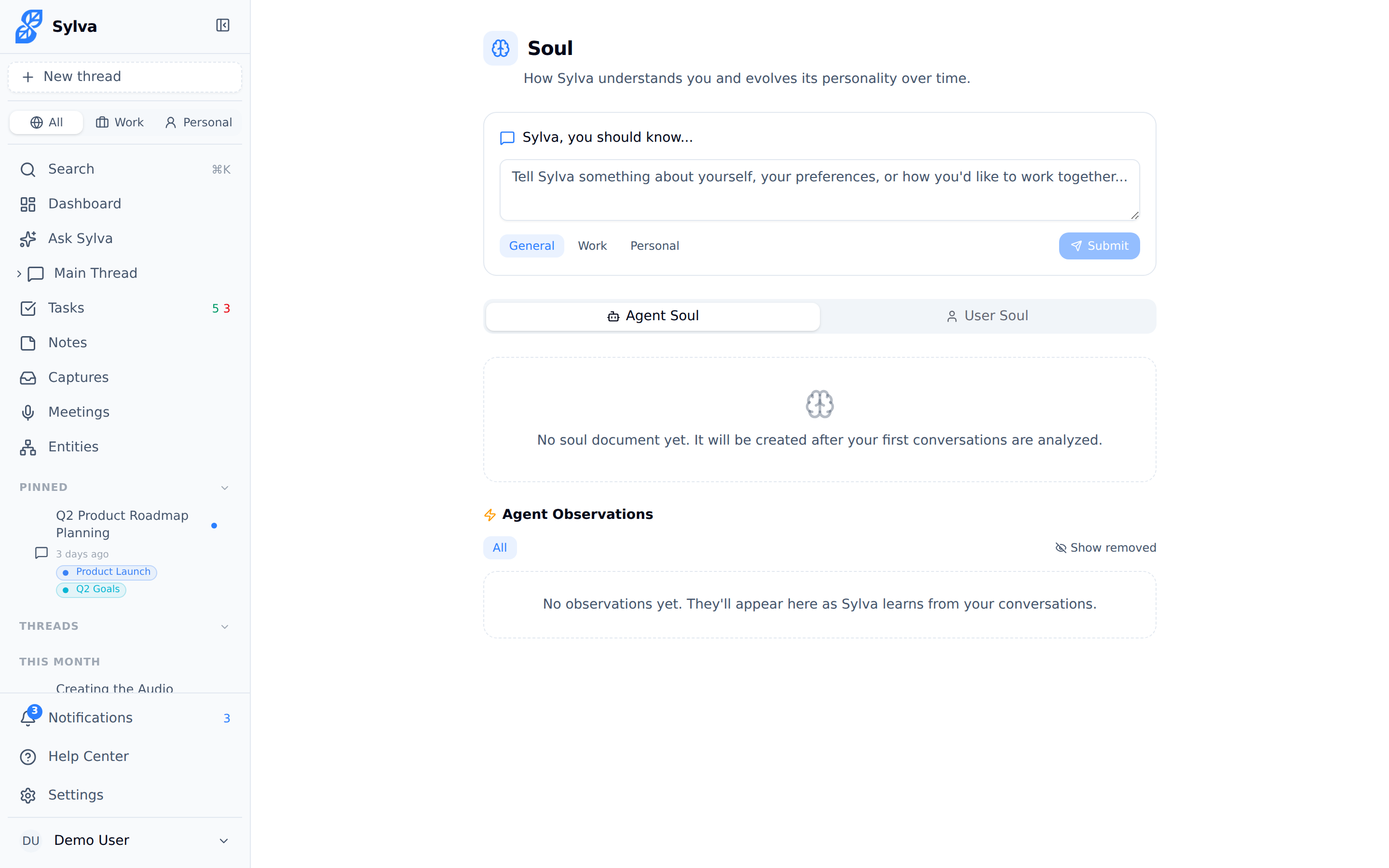
Editing — Click the pencil icon on any observation to edit its content inline. You might do this to refine something Sylva extracted that's close but not quite right — for example, changing "Prefers short emails" to "Prefers short emails for internal communication; external emails can be longer."
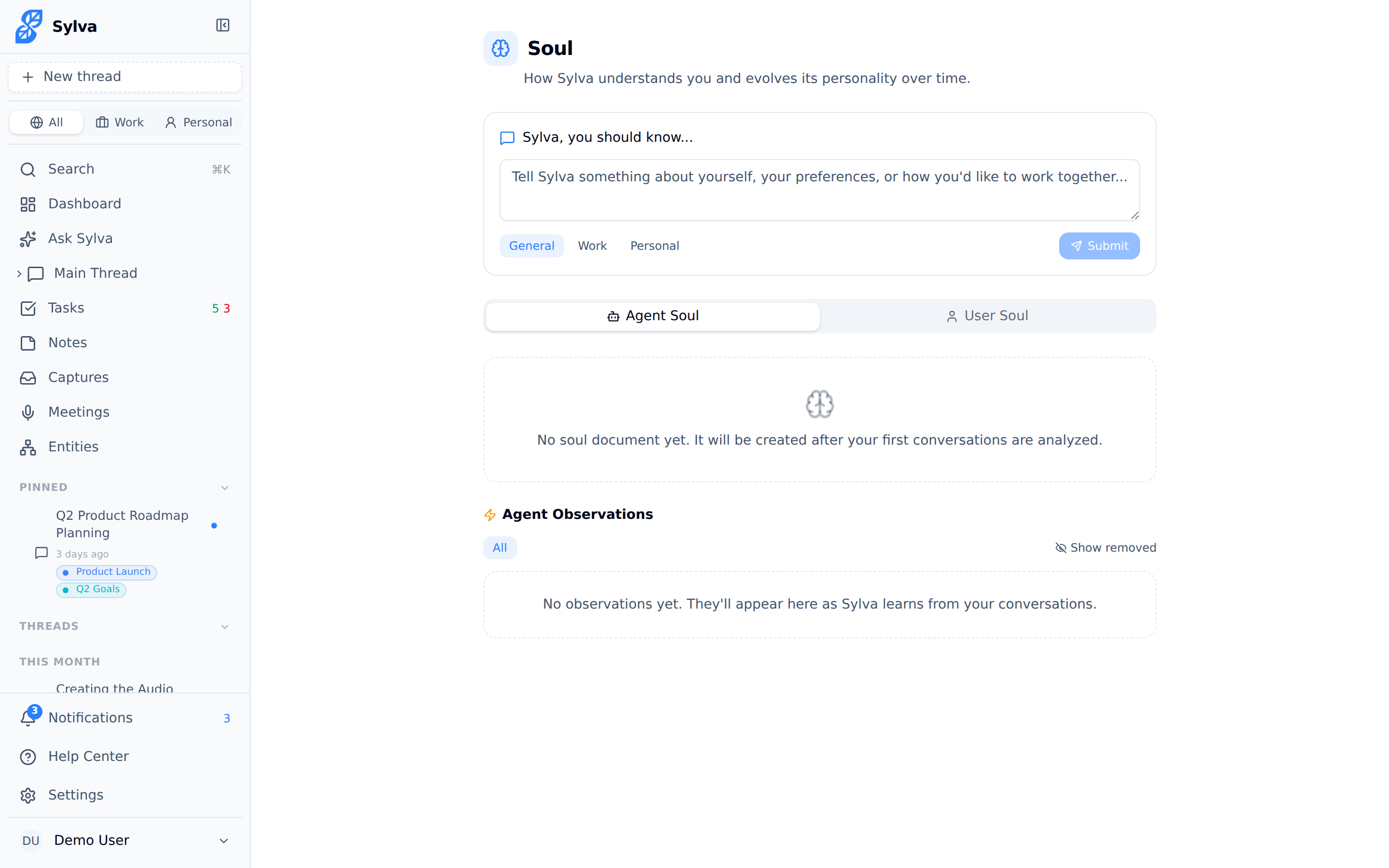
Removing — Click the trash icon to delete an observation entirely. Use the eye toggle to deactivate an observation without deleting it — this keeps the data but prevents it from influencing Sylva's behavior. Useful when something is temporarily irrelevant.
Synthesis: Turning Observations into Understanding
Individual observations are raw data points. Synthesis is the process where Sylva's AI combines all active observations into a coherent, readable soul document — a narrative summary of who you are and how you work.
Synthesis happens automatically on a periodic basis as new observations accumulate. You can also trigger it manually by clicking the Synthesize button at the top of the soul document section. Each synthesis creates a new version of the document.
The soul document is what Sylva actually uses during conversations. Rather than scanning hundreds of individual observations in real time, it references the synthesized document — a distilled, up-to-date portrait.
How the Soul System Affects AI Responses
The soul system isn't decorative — it directly shapes every response Sylva gives you. Here's how:
- System prompt injection — Before each conversation turn, Sylva injects relevant sections of both soul documents (Agent Soul and User Soul) into the AI's system prompt. This means the AI doesn't start from scratch every time — it already knows your preferences, communication style, and boundaries
- Maturity threshold — A brand-new account won't have a soul document injected right away. Sylva waits until it has gathered enough observations (and enough confidence in them) to produce a useful profile. Until then, responses use your explicit settings from Settings > AI & Voice as the primary guide
The result is cumulative: the more you use Sylva, the better it gets. Responses become more concise if you prefer brevity, more structured if you favor bullet points, more cautious around topics you've flagged as boundaries.
Viewing Past Versions
Every time synthesis runs, Sylva saves the previous soul document as a versioned snapshot. Click the History icon next to the version number to browse past versions of your soul document.
This is useful for:
- Seeing how Sylva's understanding of you has evolved over weeks or months
- Reverting to an earlier version if a recent synthesis feels off
- Reviewing what changed between versions after you added or removed observations