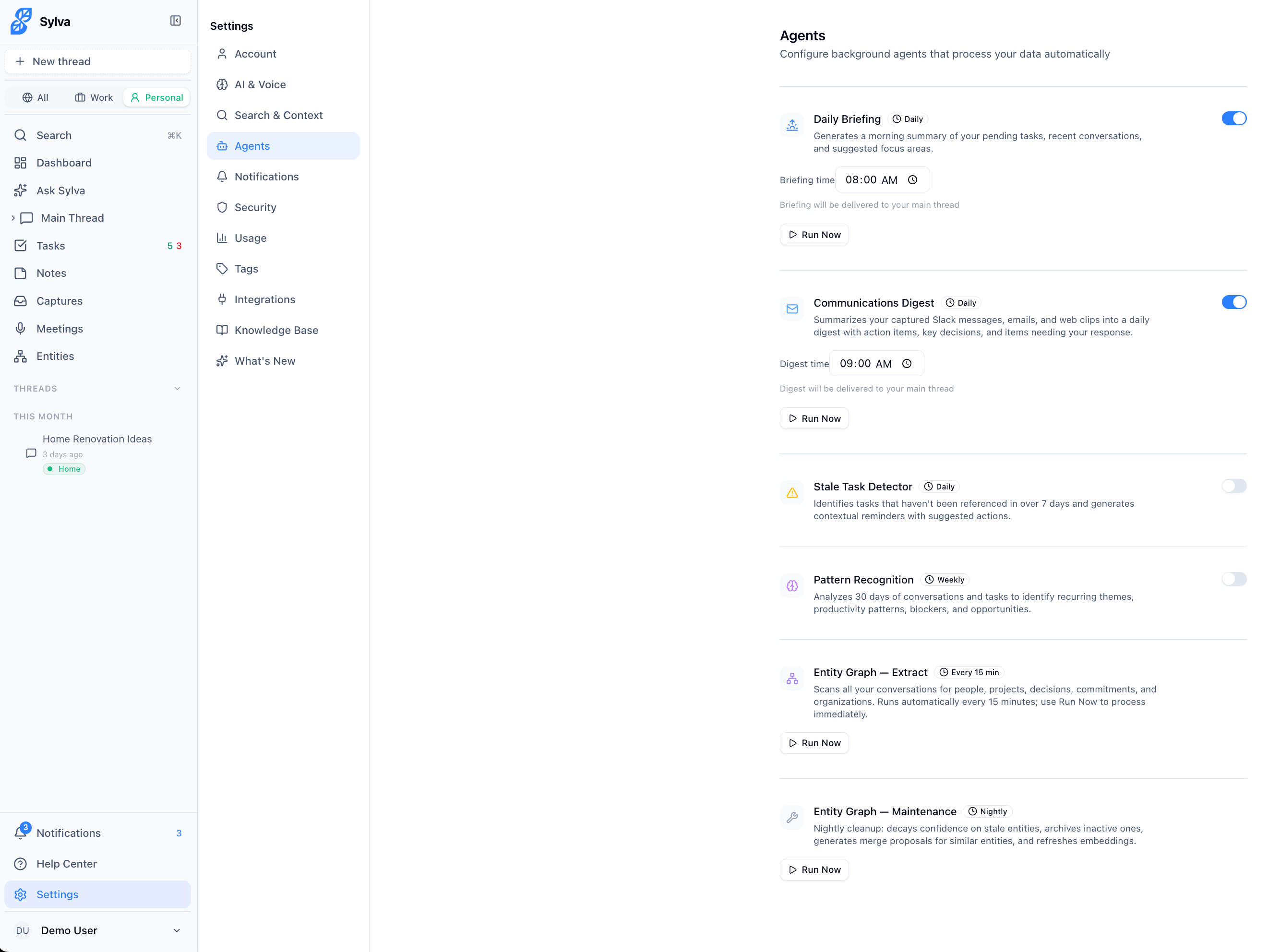
Sylva runs helpful AI agents in the background that work for you automatically. You can manage them in Settings > Agents.
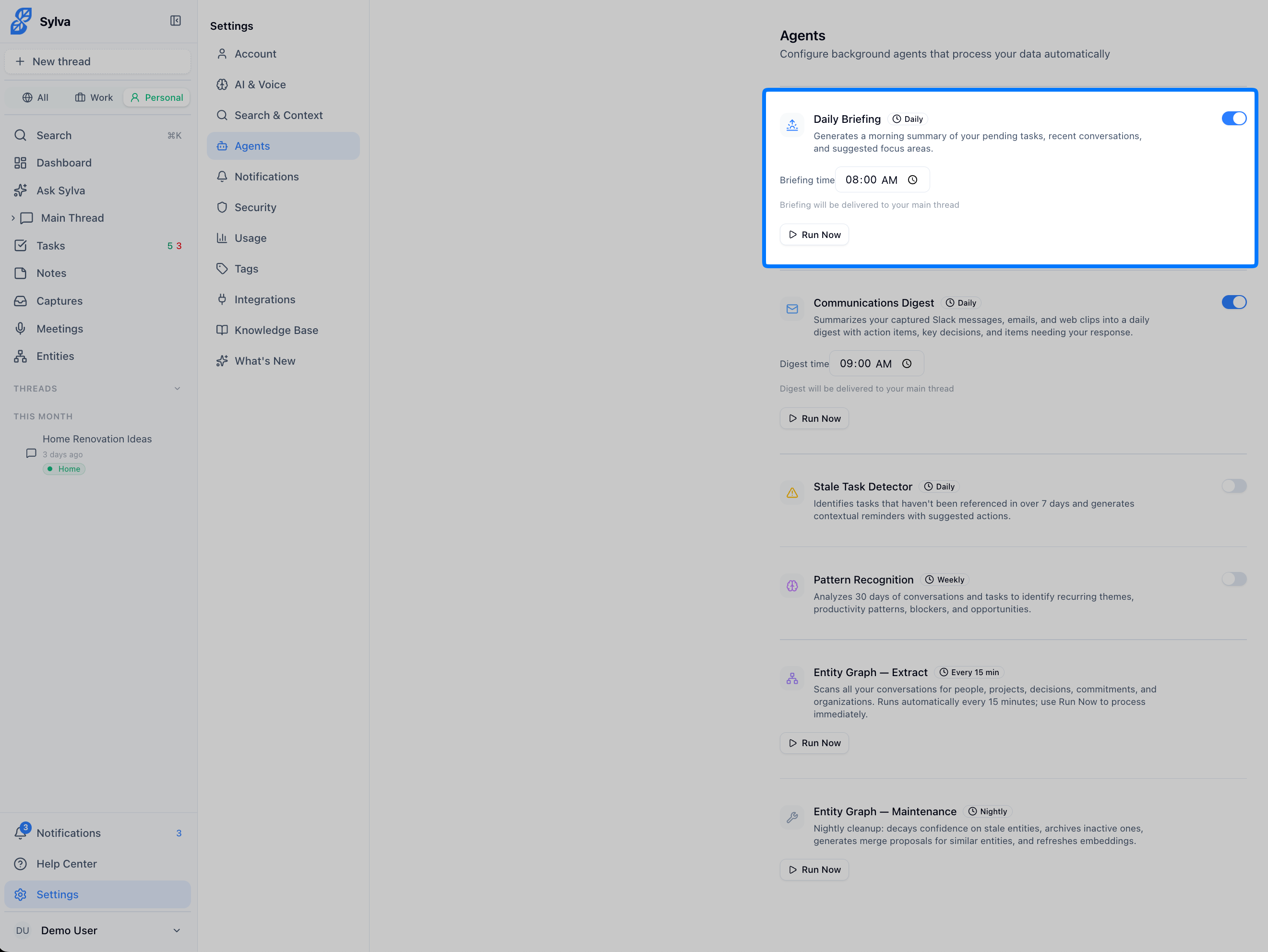
Daily Briefing
Every morning at your preferred time, Sylva generates a daily briefing that appears in your Main Thread and is also delivered to your inbox via email. It includes:
- A summary of your recent conversations
- Your pending and overdue tasks
- Key themes from your week
- Actionable communications from your captured Slack and email messages (if the Chrome Extension is installed)
- Unresponded Slack @mentions
- Suggested focus areas for the day
Here is the Daily Briefing agent configuration:
The email version includes the full briefing content inline — no need to click through to the app to read it. It's like having a personal assistant who reads through everything overnight and gives you a morning rundown.
The email includes a View in Sylva button at the bottom. Clicking it takes you directly to the Main Thread where the briefing message appears — the same destination you reach when tapping an in-app or push notification for the briefing.
Communications Digest
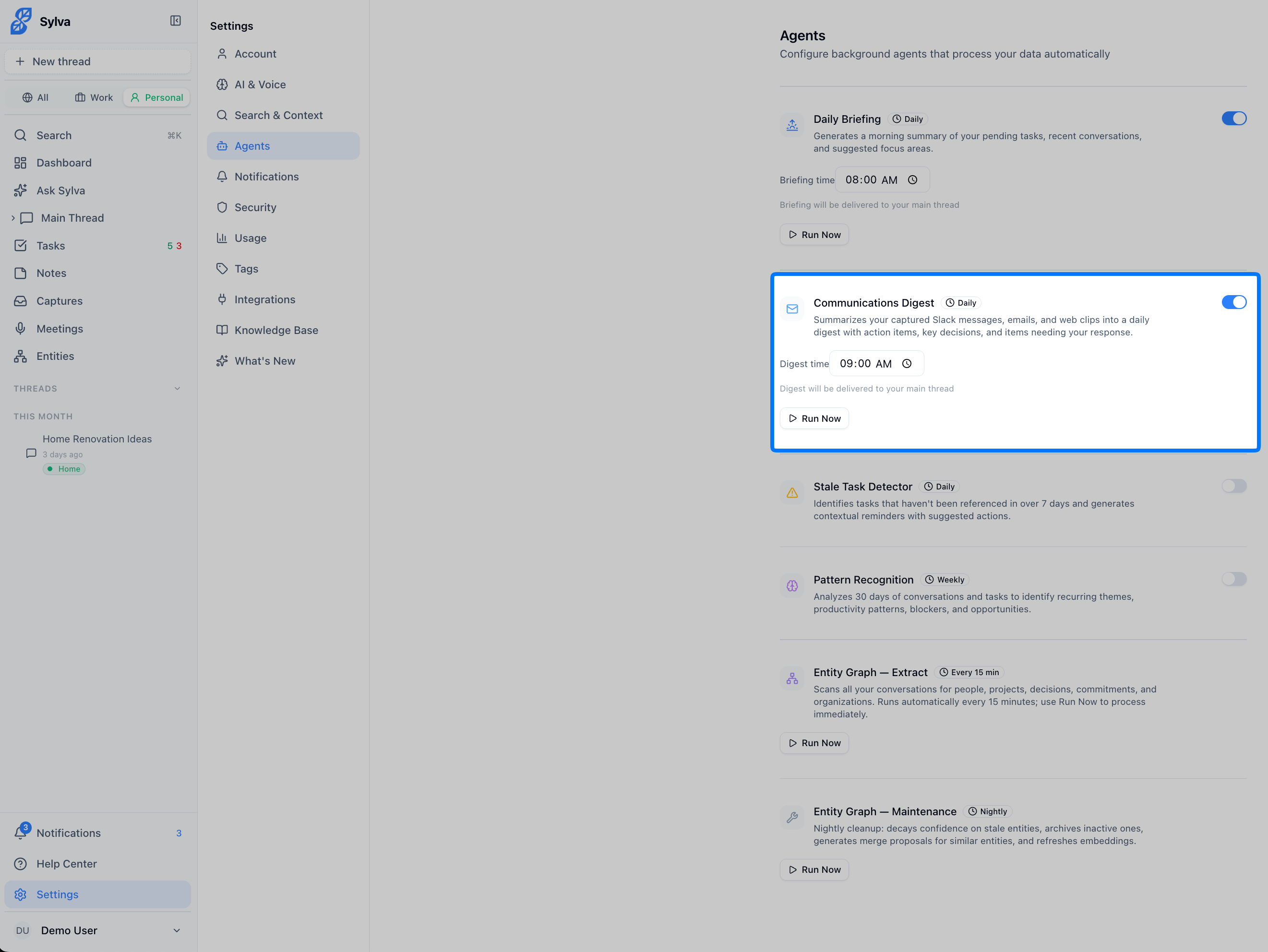
If you have the Chrome Extension installed, Sylva generates a daily Communications Digest — a structured summary of all your captured Slack messages, emails, and web clips from the past 24 hours. It appears in your Main Thread and highlights what needs your response, key decisions made, and action items to follow up on.
Stale Task Detector
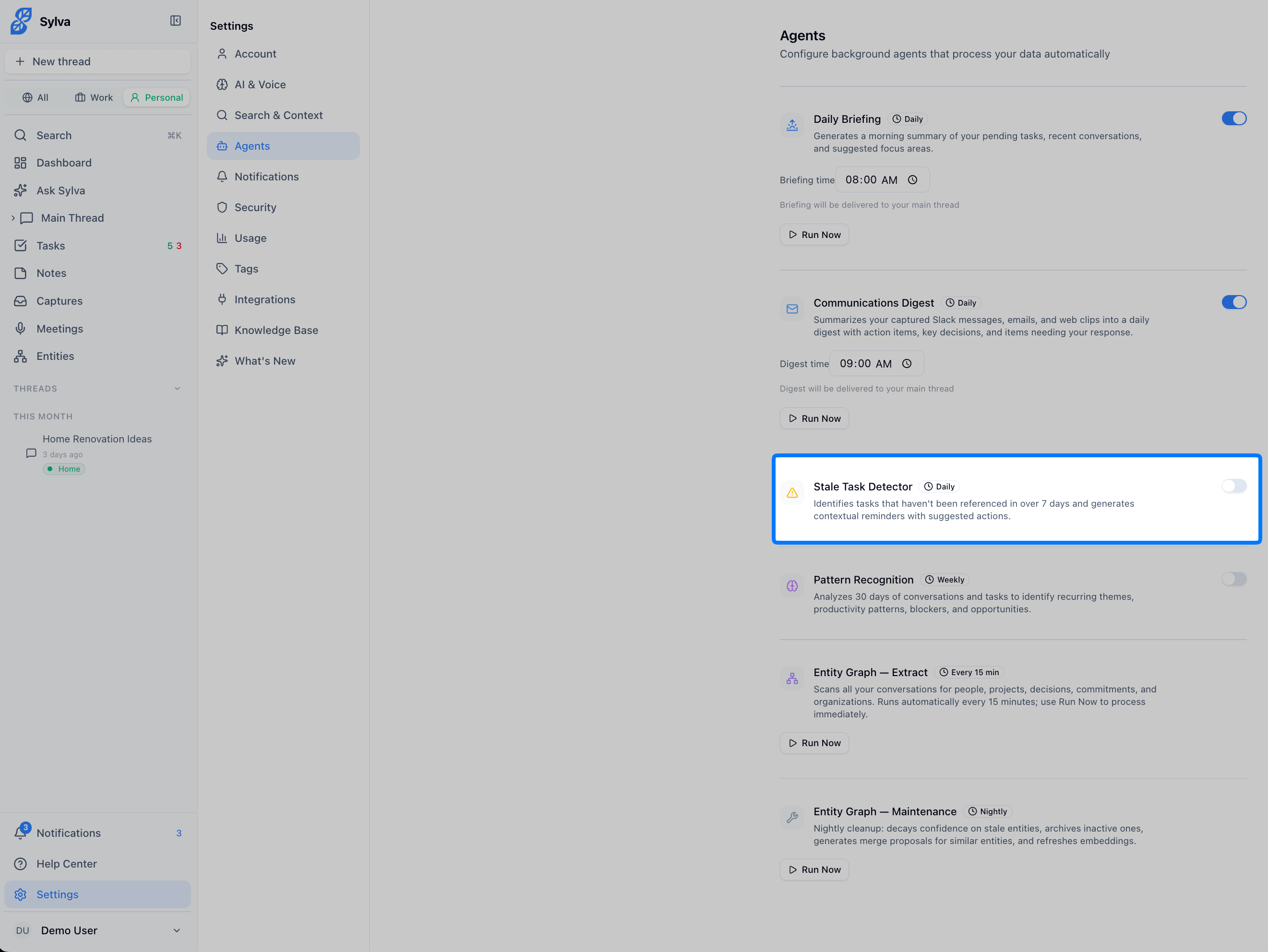
Once a day, Sylva checks for tasks that haven't been mentioned or touched in over 7 days. If it finds any, you'll get a notification with options to:
- Complete the task (if it's already done)
- Snooze it for later
- Dismiss the alert
This keeps your task list from getting cluttered with forgotten items.
Pattern Recognition
Once a week, Sylva analyzes your conversations and tasks from the past 30 days to spot:
- Recurring themes and topics you keep coming back to
- Productivity patterns
- Potential blockers or areas that might need attention
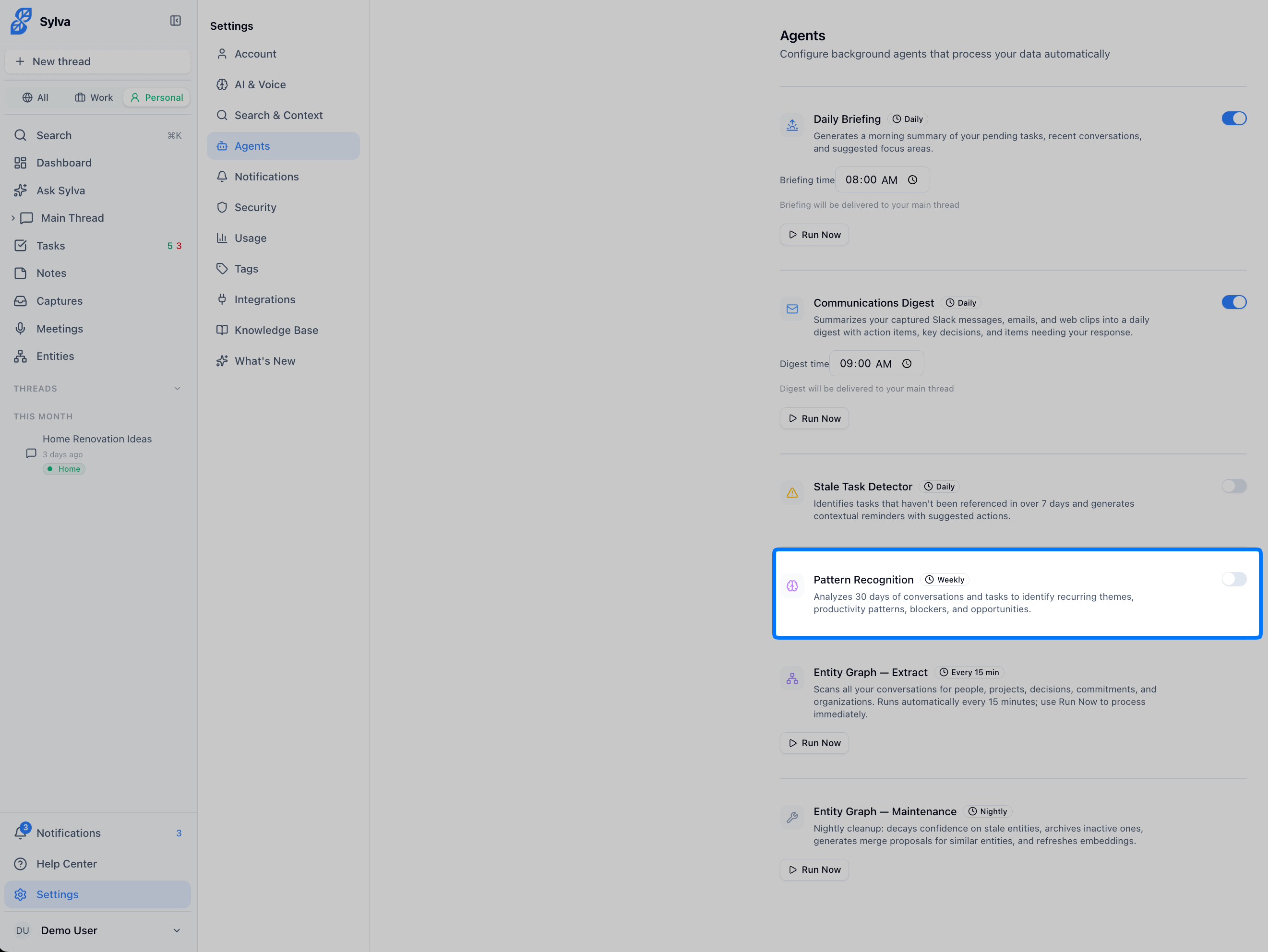
Think of it as a weekly reflection that Sylva does for you.
Entity Graph — Extract
Every 15 minutes, the Entity Graph — Extract agent scans your conversations and pulls out the people, projects, decisions, commitments, and organizations mentioned in them. Over time, this builds a rich, interconnected entity graph that Sylva uses to give you better answers and surface relevant context.
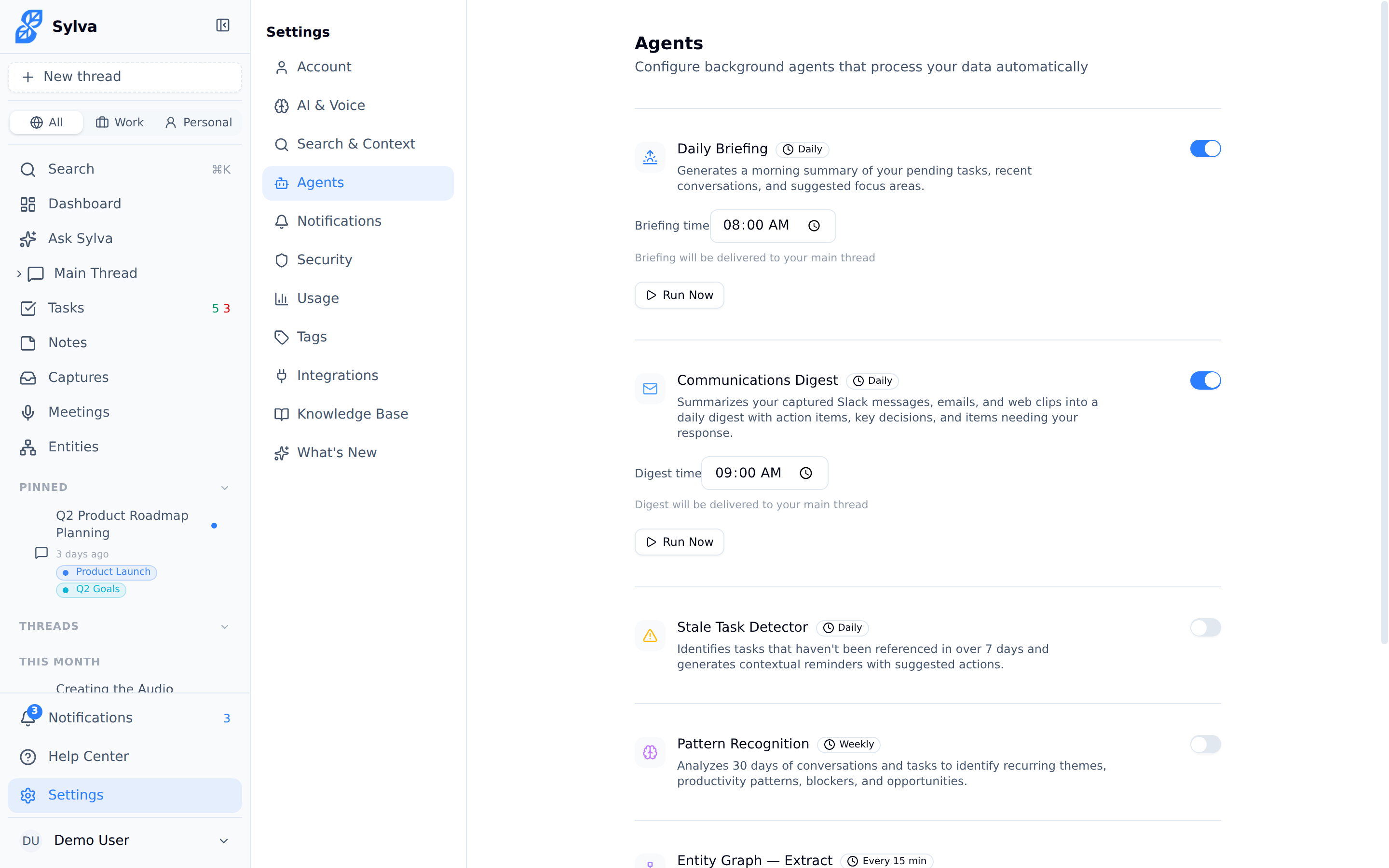
Each run processes up to 10 conversations to prevent timeouts — if you have more than 10 conversations queued for extraction, the remaining ones are picked up on the next 15-minute cycle. The agent only processes conversations that have changed since the last run, so it stays efficient and doesn't re-scan everything each cycle.
When it finishes, you see a response message showing how many conversations were processed and how many new entities were found:
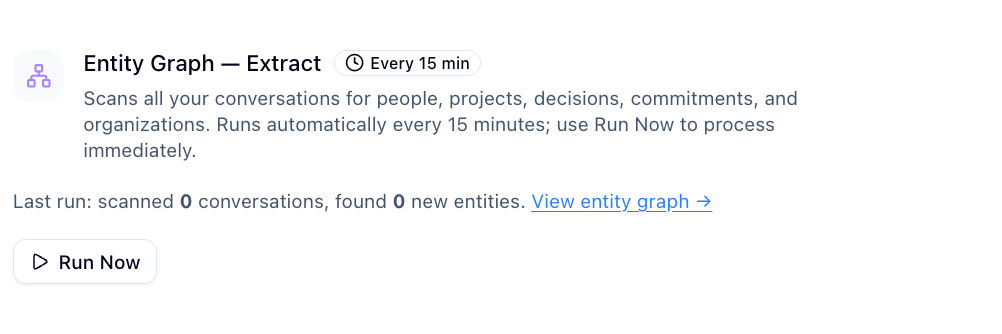
If all your conversations are already up to date, the message reads "All conversations already up to date" instead. When new entities are discovered, the message includes a link to the Entities page where you can review them.
You can click Run Now to trigger extraction immediately — useful after a batch of new conversations or a long meeting transcript. Extraction can take up to 60 seconds since it makes multiple AI calls to analyze each conversation.
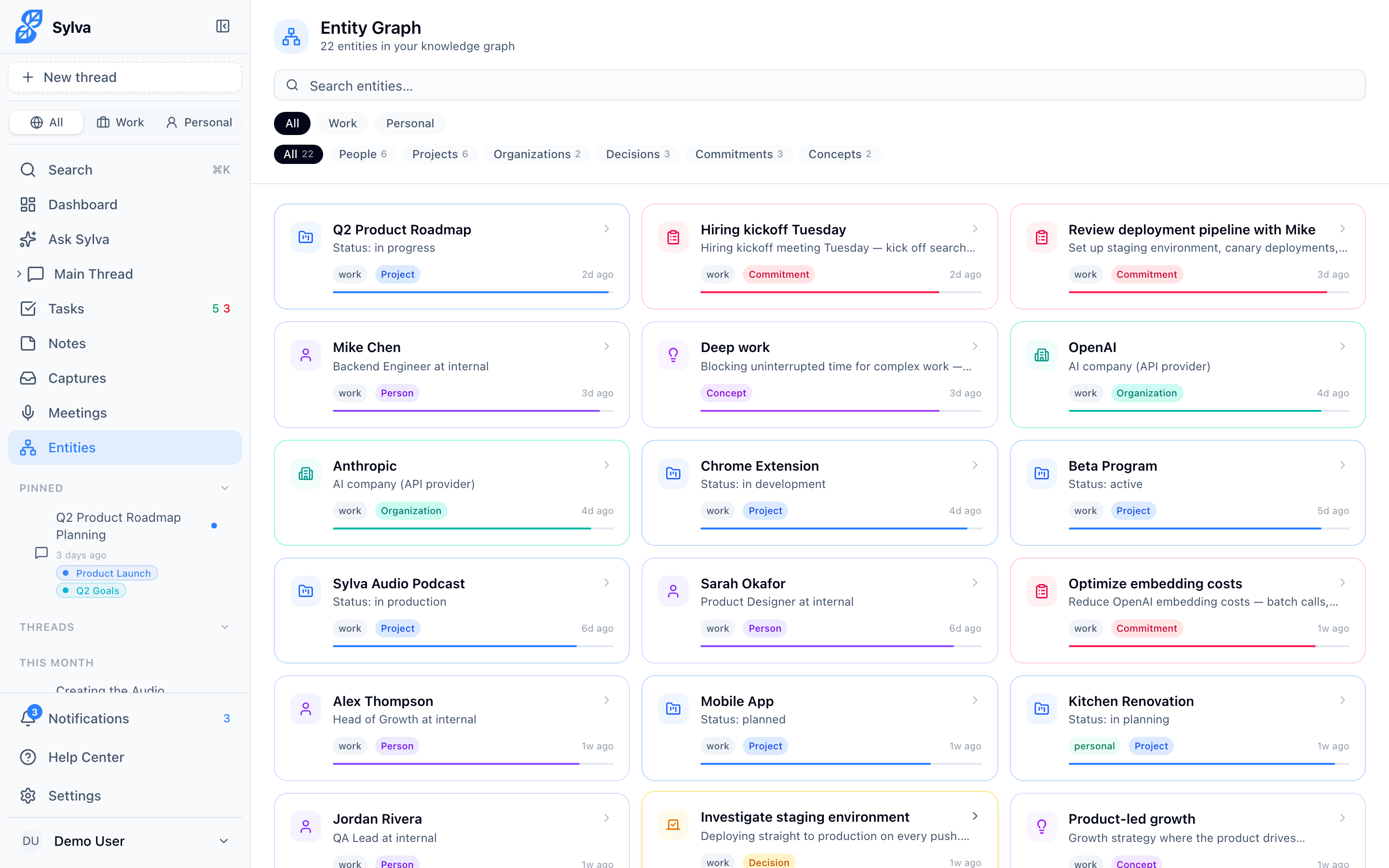
To view the entities Sylva has extracted, go to the Entities page at any time. The entity graph shows all the people, projects, organizations, decisions, and commitments Sylva has identified across your conversations, along with the relationships between them.
Entity Graph — Maintenance
The Entity Graph — Maintenance agent runs nightly and keeps your entity graph clean, accurate, and performant. It handles four housekeeping tasks:
- Confidence decay — Entities that haven't appeared in recent conversations gradually lose confidence scores, so your graph naturally reflects what's current
- Archival of inactive entities — Entities that fall below a confidence threshold and haven't been referenced in a long time are archived, keeping your active graph focused
- Merge proposals — The agent identifies entities that look like duplicates — for example, "Sarah Chen" and "S. Chen" — and proposes merging them so you don't end up with fragmented records
- Embedding refresh — Entity embeddings are recalculated to reflect any updated descriptions or relationships, which keeps Sylva's semantic search accurate
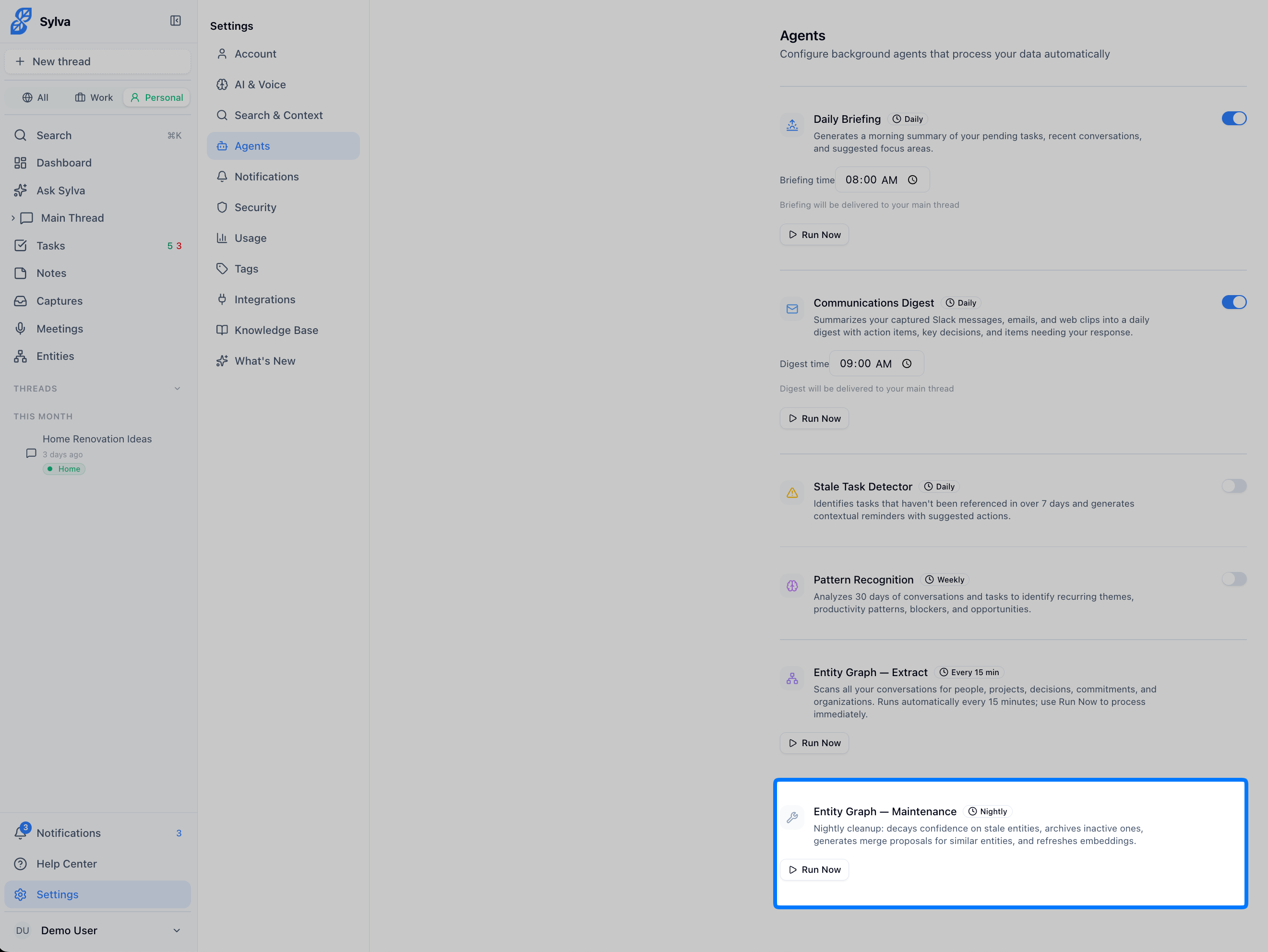
You can also trigger maintenance manually with Run Now if you've made a lot of changes to your entities and want the cleanup to happen right away rather than waiting for the nightly run.
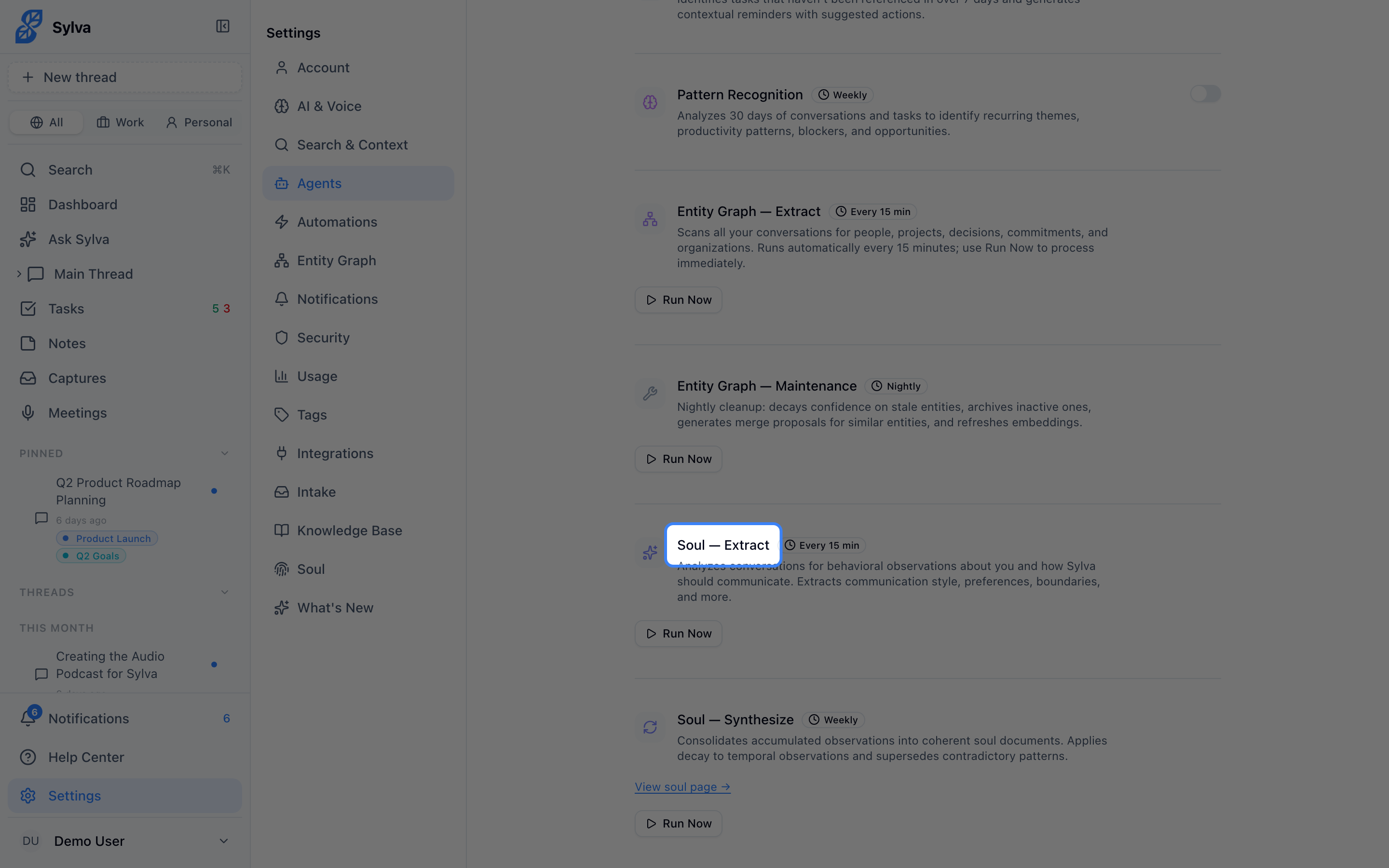
Soul — Extract
Every 15 minutes, the Soul — Extract agent analyzes your recent messages and interactions to identify behavioral patterns, preferences, and communication style traits. Each observation is categorized — communication style, decision patterns, preferences, boundaries, growth areas, relationship style, energy states, and current focus — and assigned a confidence score based on how clearly the pattern was expressed.
The agent also picks up on signals beyond your conversations. When you change a setting in Settings > AI & Voice — for example, switching your preferred response length or tone — that change is logged as a soul observation too, so Sylva's understanding of your preferences stays in sync with your explicit choices.
Each observation has a decay rate that determines how quickly it fades over time. Recent, frequently reinforced patterns stay strong, while one-off behaviors gradually lose influence. This means your soul profile naturally evolves as you do — it reflects who you are now, not who you were six months ago.
Soul — Synthesis
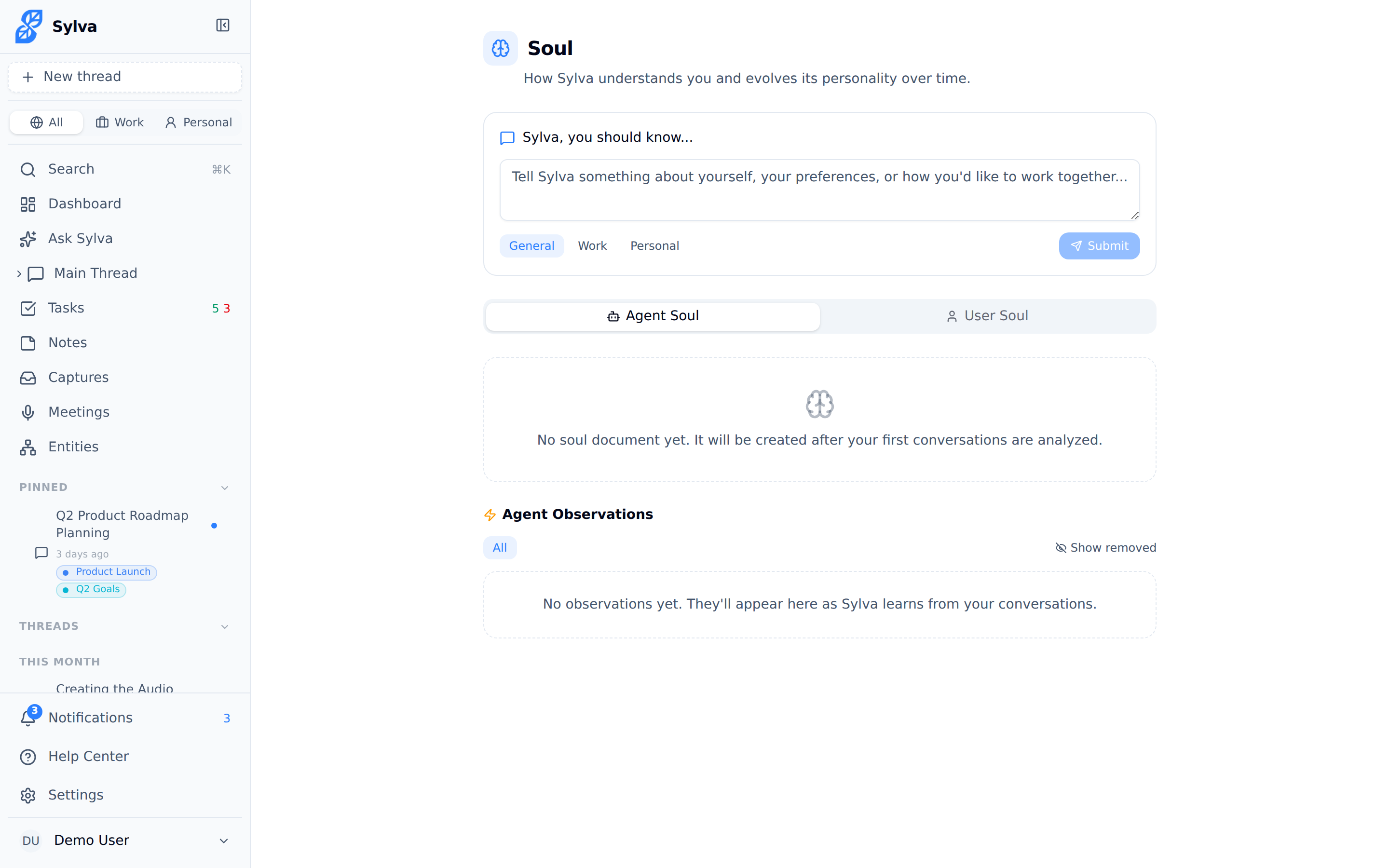
Once a week — Sunday at 3 AM UTC — the Soul — Synthesis agent consolidates all accumulated observations into a structured soul document. This document is a versioned, human-readable profile that captures the big picture of how you communicate, make decisions, set boundaries, and focus your energy.
Each synthesis run produces a new version of the document, so you can see how your profile has evolved over time. The document includes an observation count and a timestamp showing when the last synthesis occurred.
You can view your soul document and all its underlying observations on the Soul page. From there, you can review what Sylva has learned, deactivate observations you disagree with, or trigger a manual synthesis with Run Now if you want the document updated before the next scheduled run.
How Extraction and Synthesis Build Your Soul Profile
The two soul agents work as a continuous learning loop:
- Soul — Extract runs every 15 minutes, collecting fine-grained observations from your messages, captured communications, and settings changes. These are the raw building blocks — individual data points like "Prefers bullet-point summaries over long paragraphs" or "Tends to reschedule meetings on Fridays"
- Soul — Synthesis runs weekly, reading through all active observations and distilling them into a coherent profile document. It resolves contradictions, strengthens patterns that multiple observations support, and drops patterns that have decayed below relevance
- Sylva's AI uses the synthesized soul document during every conversation to tailor its tone, depth, and recommendations to you personally
The result is an assistant that gets meaningfully better the more you use it. After a few weeks of regular use, you'll notice Sylva anticipating your preferences — structuring responses the way you like, flagging the types of issues you care about, and skipping the things you don't.
Running Agents Manually
Each agent has a Run Now button in Settings so you can trigger them on demand whenever you want a fresh briefing, task check, pattern report, entity extraction, or soul synthesis.