These shortcuts work anywhere in Sylva:
| Shortcut | What It Does |
|---|---|
| Cmd/Ctrl + K | Open Command Palette (universal search) |
| Cmd/Ctrl + N | Create a new thread |
| Cmd/Ctrl + , | Open settings |
| Cmd/Ctrl + B | Show or hide the sidebar |
| Cmd/Ctrl + Shift + S | Open the scratchpad |
| Escape | Close any open dialog |
| / | Jump to the chat input box |
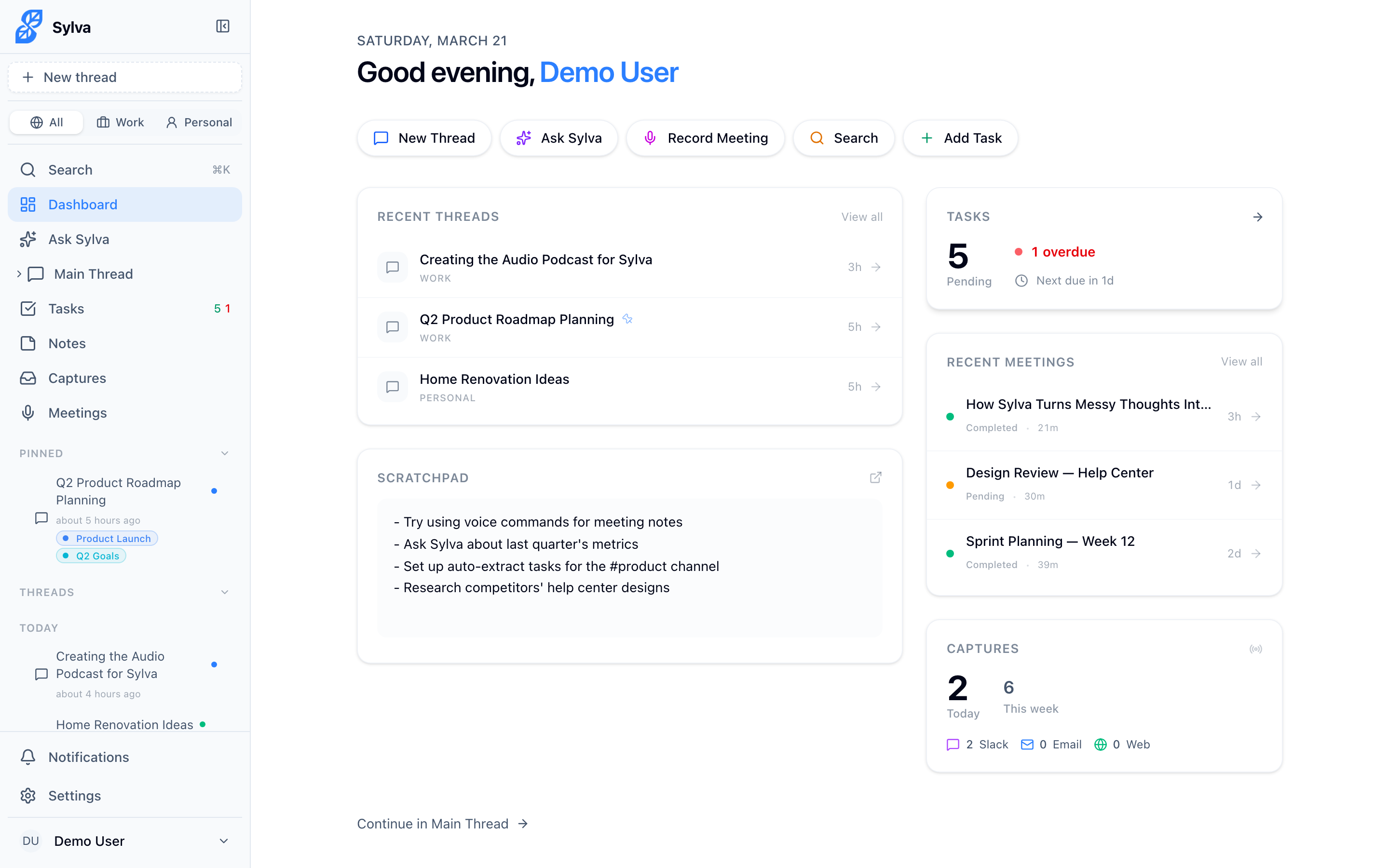
Press Cmd/Ctrl + K to open the Command Palette, which lets you search across everything and jump to any page instantly.
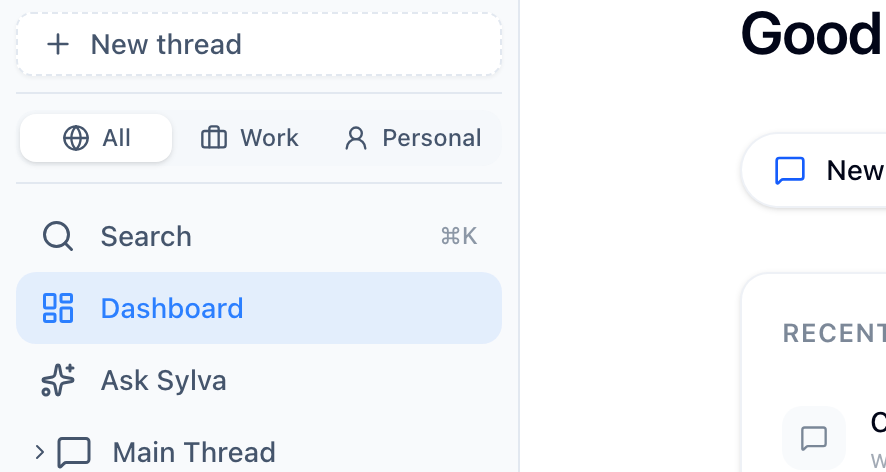
Press Cmd/Ctrl + B to toggle the sidebar, giving you more screen space when you need it.
Meeting Recording
When you're on the recording screen, you can control the session from your keyboard:
| Shortcut | What It Does |
|---|---|
| Spacebar | Pause or resume the recording |
This lets you pause when a meeting goes off-topic or during a break, then resume without reaching for the mouse. The recording timer pauses along with the audio, so your transcript stays clean.
Quick Capture Page
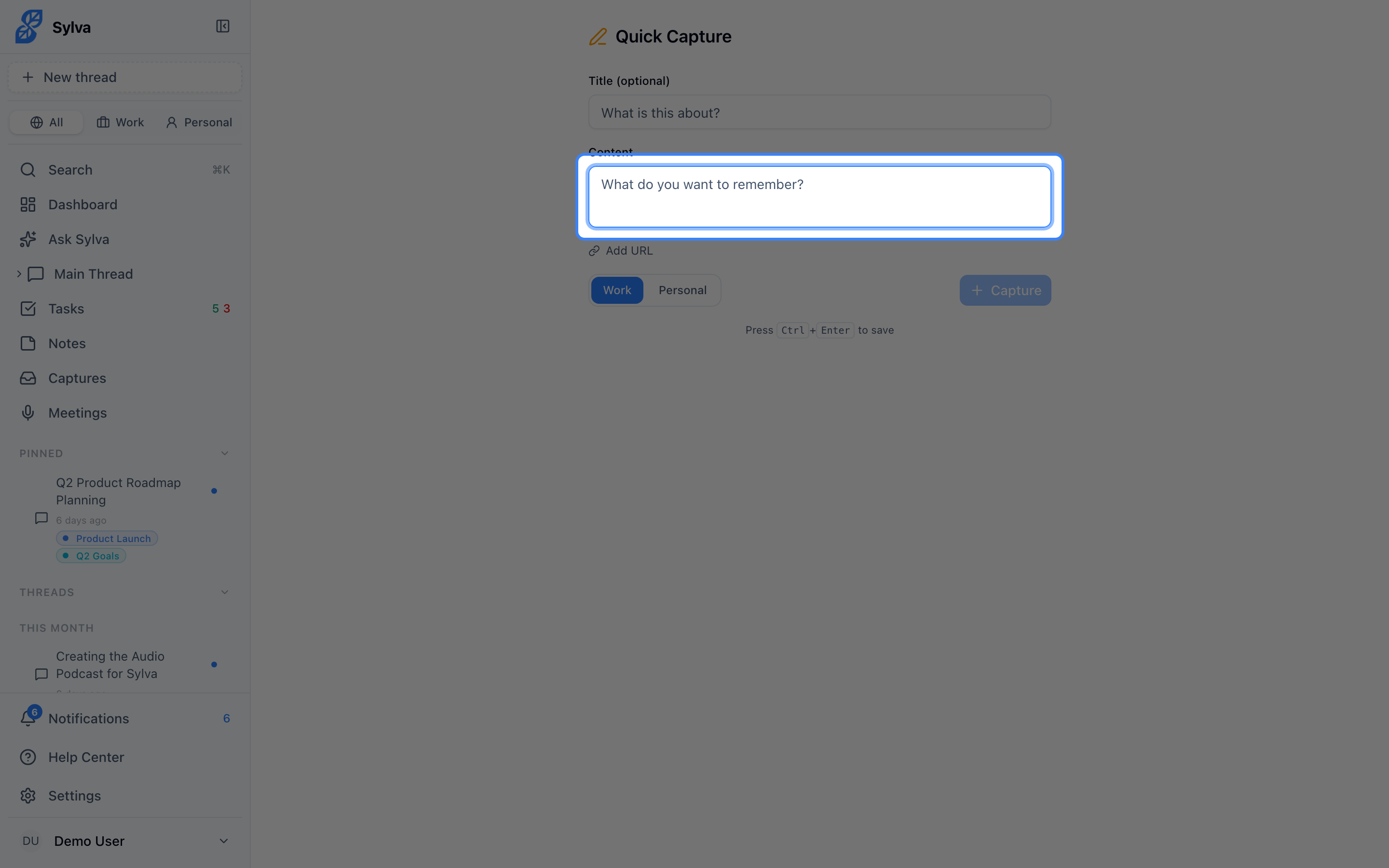
The Quick Capture page has its own shortcut for fast saving:
| Shortcut | What It Does |
|---|---|
| Cmd/Ctrl + Enter | Save the current capture |
This works from any field on the Quick Capture page — type your note, then press Cmd/Ctrl + Enter to save without reaching for the button. After saving, the form resets and the content field re-focuses so you can capture the next thought immediately.