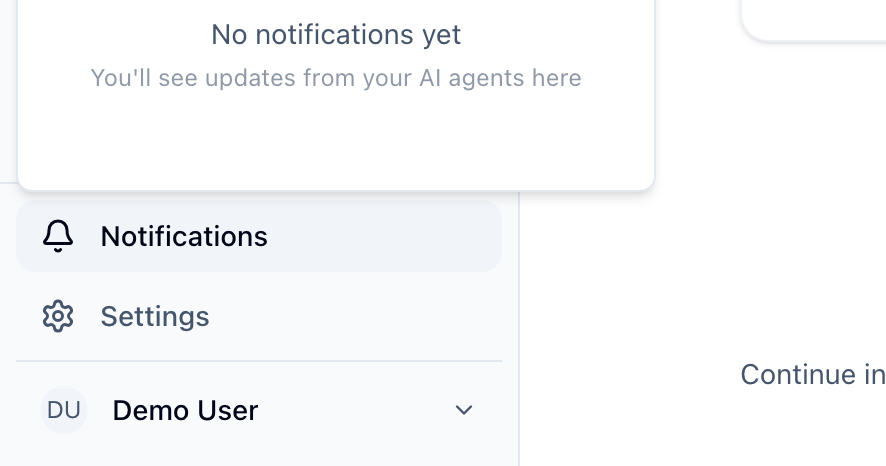
Sylva keeps you informed through multiple channels so you never miss something important. Click the bell icon in the sidebar to view your notifications at any time.
Notification Types
| Type | What It Means |
|---|---|
| Daily Briefing Ready | Your morning briefing has been generated |
| Stale Tasks Found | Some tasks need your attention |
| Pattern Report Ready | Your weekly analysis is available |
| Comms Digest Ready | Your daily communications digest has been generated |
| Task Due Soon | A task is approaching its deadline |
| Task Overdue | A task has passed its due date |
| System Announcement | An important update from your admin |
How to Get Notified
For each notification type, you choose how you want to hear about it:
- In-app — A badge appears on the bell icon in the sidebar. Click it to see your notifications
- Push — Browser push notifications that appear even when Sylva isn't in the foreground
- Email — Delivered to your inbox. For example, the daily briefing email includes a summary of your day with a View in Sylva button that takes you directly to your main thread so you can pick up the conversation right away
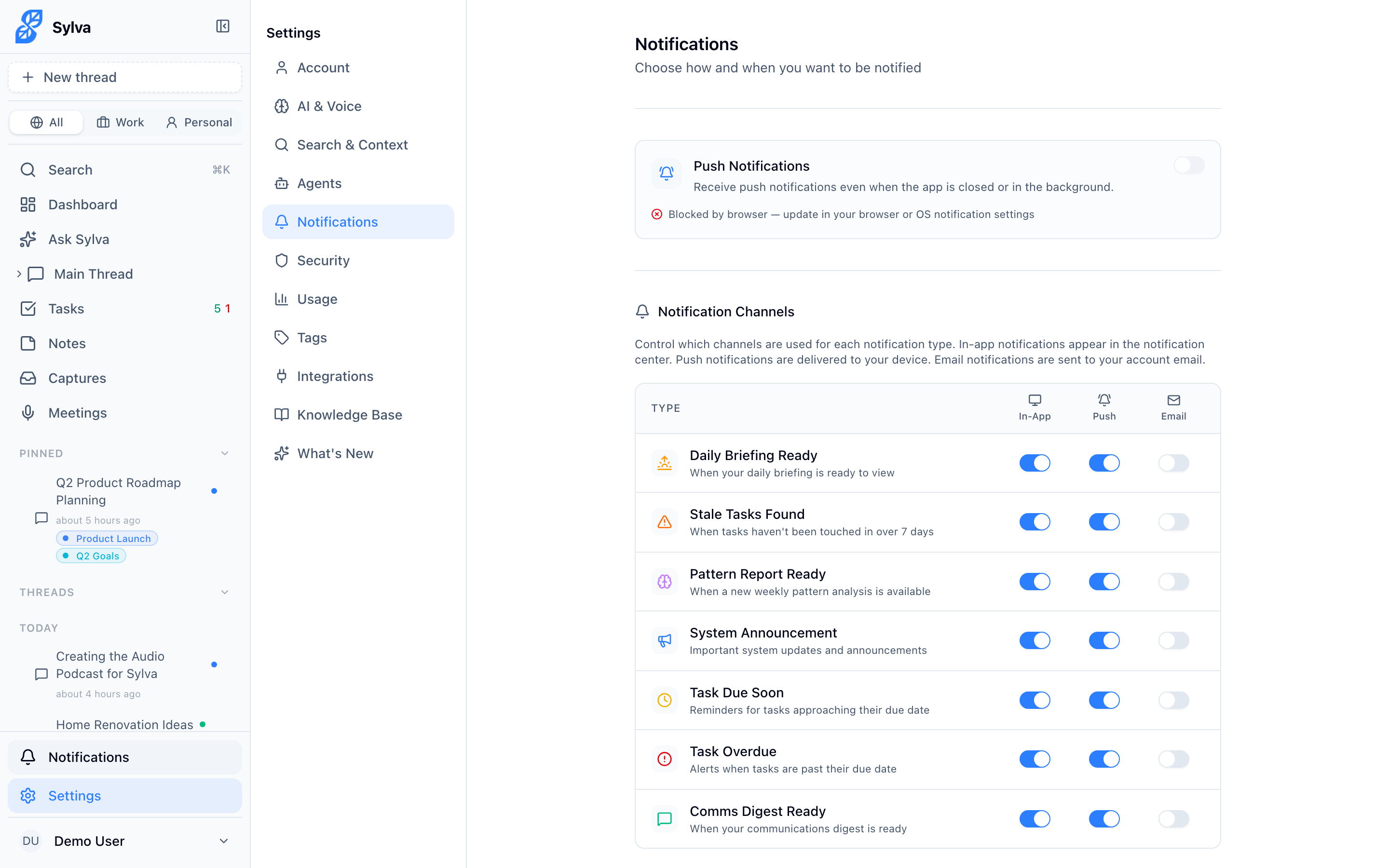
Set your preferences in Settings > Notifications. Here you can see all notification types and toggle each channel on or off.
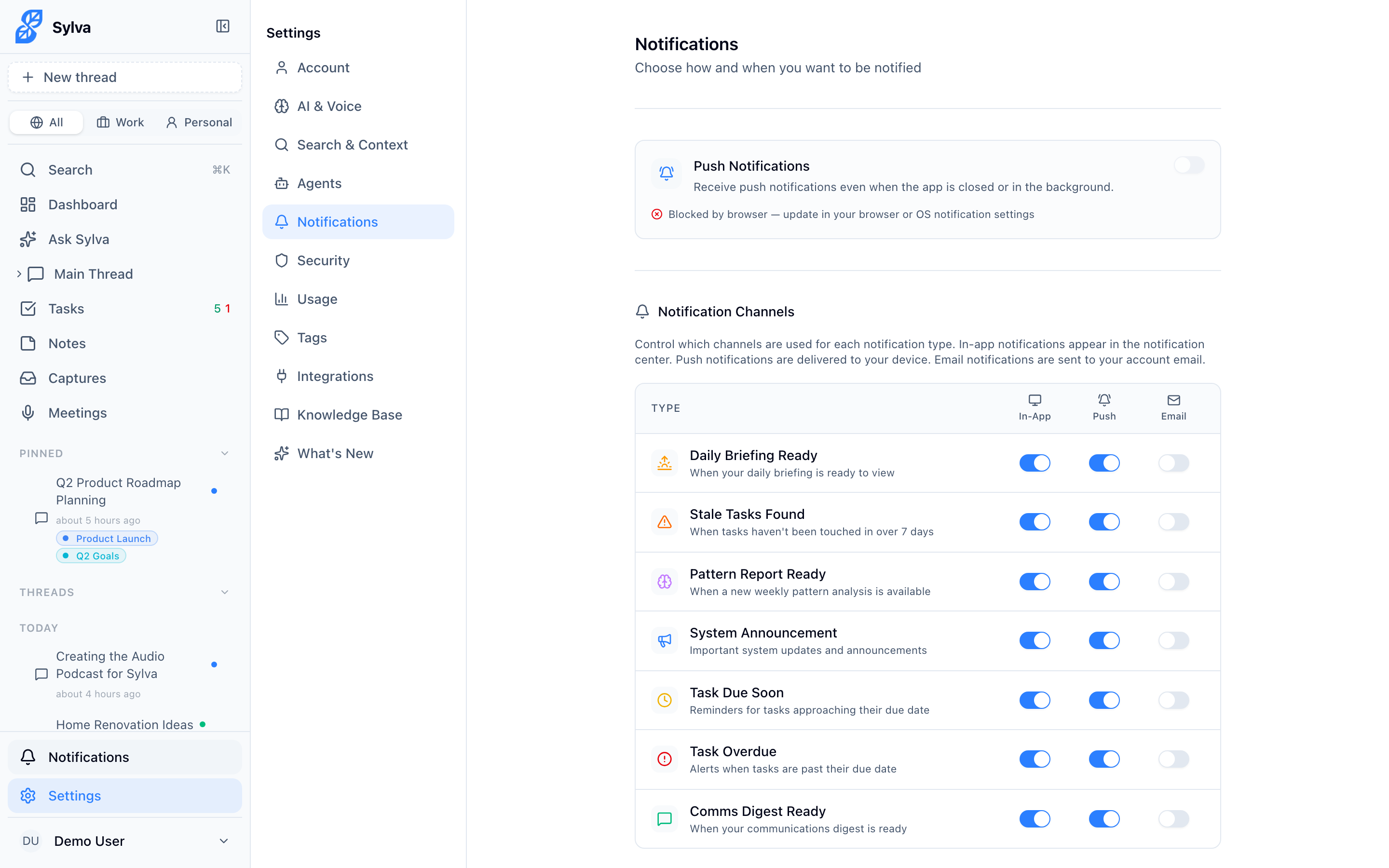
For each notification type, you can independently enable or disable in-app, push, and email delivery.
Recording Recovery Notifications
If a recording session is interrupted — your browser crashes, you lose connectivity, or the app closes unexpectedly — Sylva displays a recovery banner at the top of the screen when you return. This banner shows real-time progress as Sylva uploads and recovers your audio data, including a percentage indicator that updates as the upload progresses. You can watch it go from 0% to 100% so you know exactly how far along the recovery is and when it's safe to move on.

Push Notifications
To receive push notifications, you'll need to:
- Allow notifications when your browser asks
- If you've installed Sylva as a PWA, push notifications work even when the app window is closed