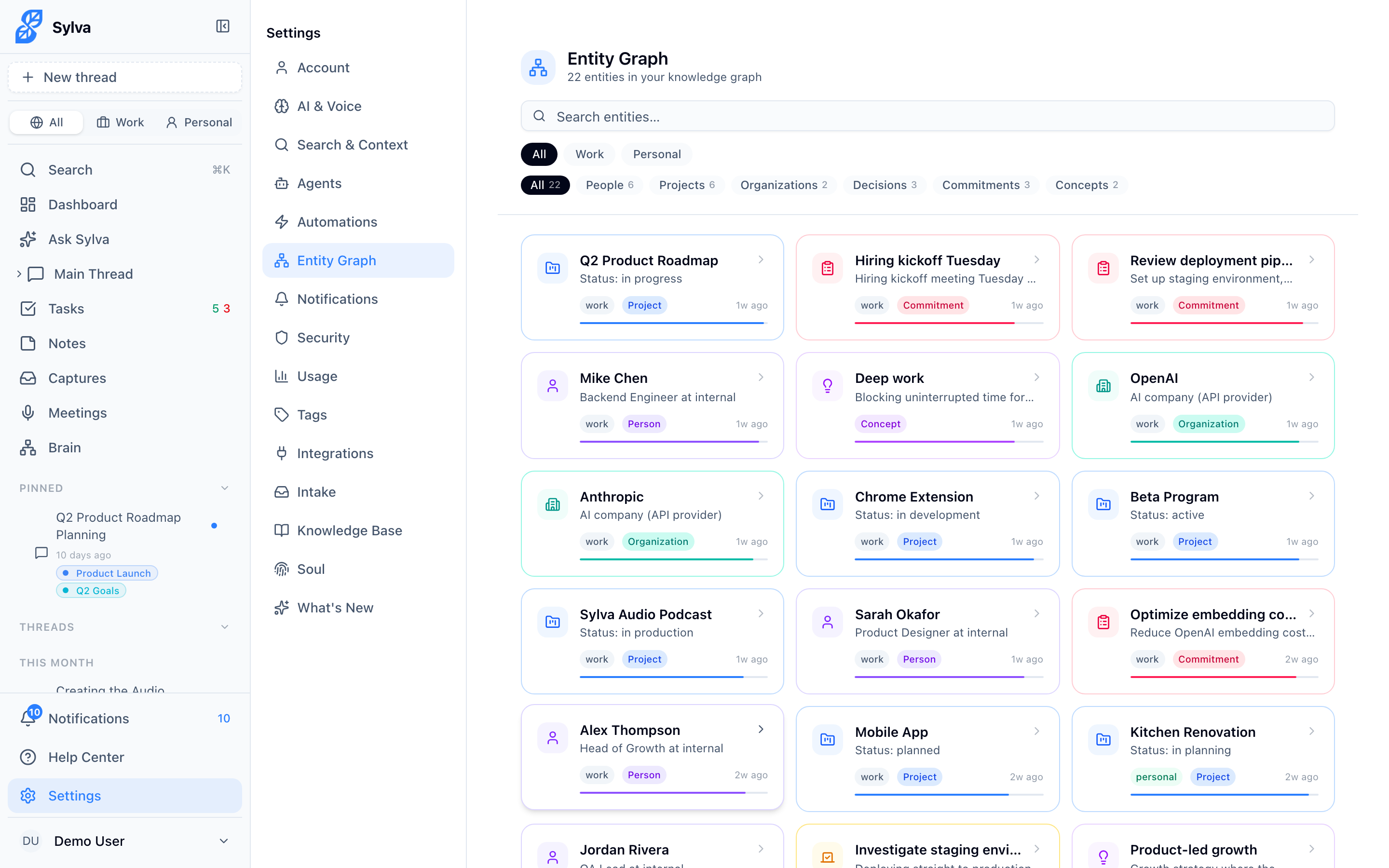
The entity graph is Sylva's long-term memory about the people, projects, and organizations you interact with — giving every conversation richer context without you having to repeat yourself.
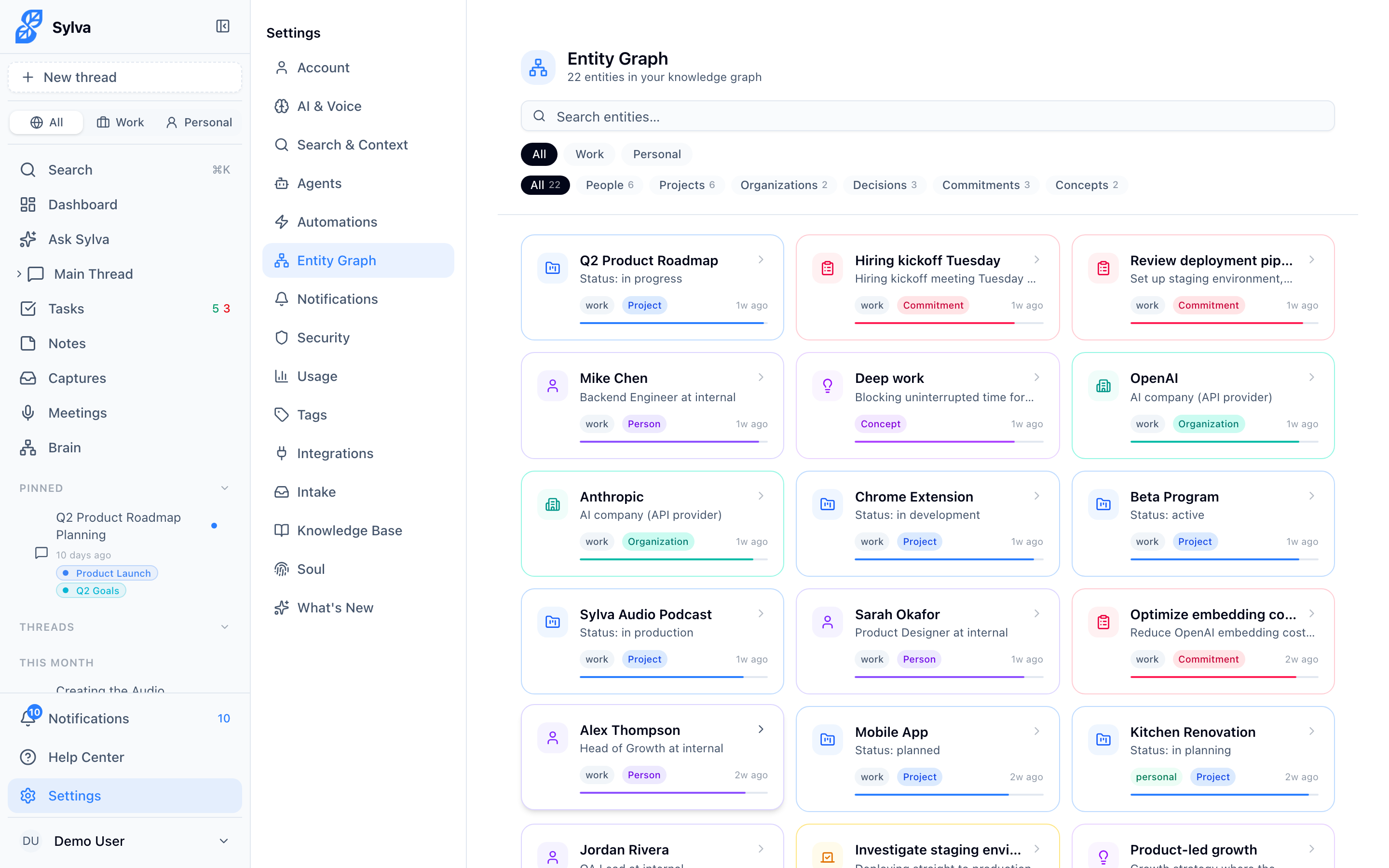
Finding the Entity Graph
The entity graph previously lived in the top-level navigation. It now lives under Settings → Entity Graph. This keeps your main sidebar focused on daily workflows — chat, tasks, meetings — while giving you full access to the knowledge layer when you need it.
Links elsewhere in Sylva (for example, the "View entity graph →" link on the Settings → Agents page) already point to the new location.
Entity Types
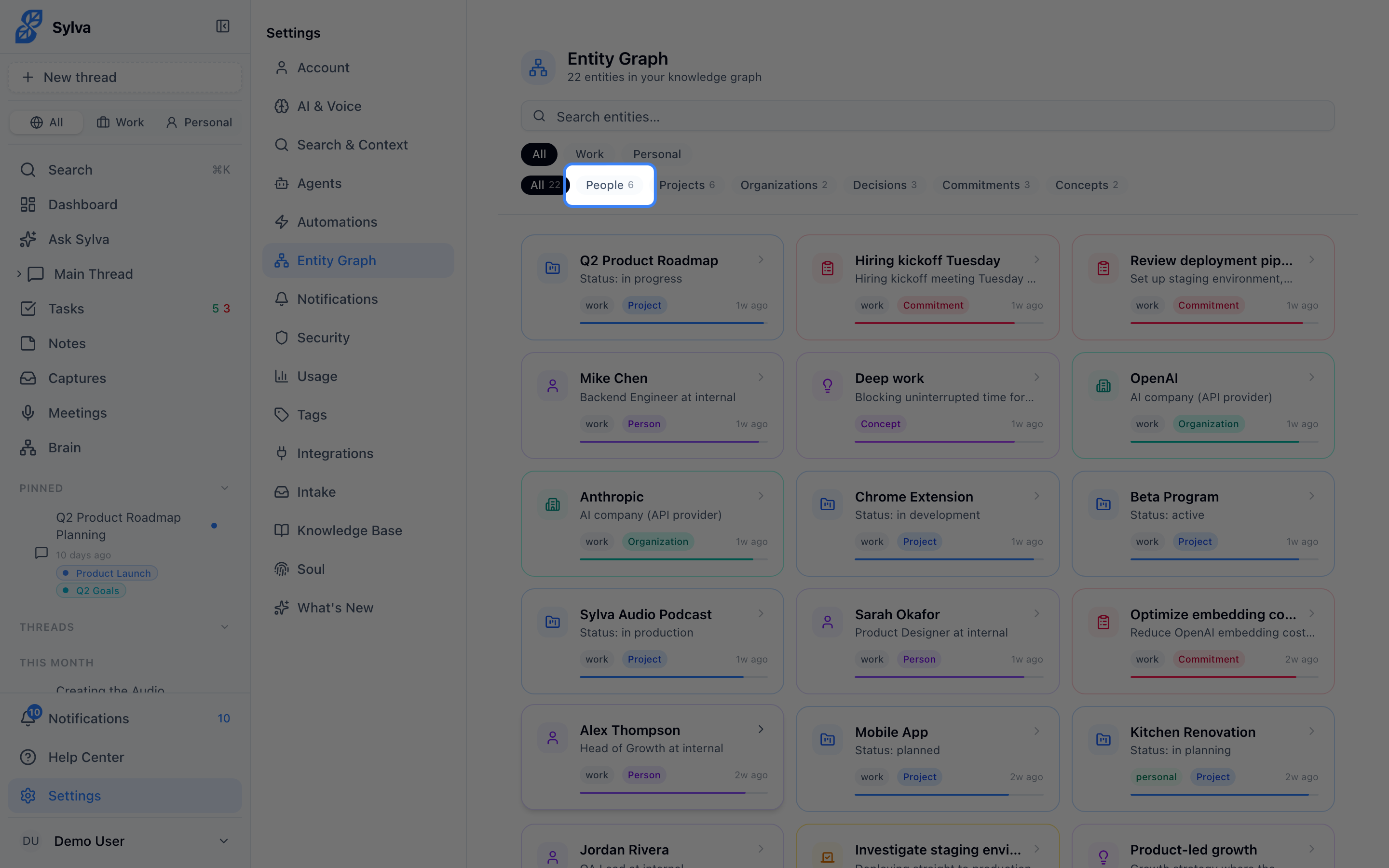
Every entity has a type that determines how Sylva categorizes and connects it:
- Person — Someone you interact with: colleagues, clients, friends, family
- Project — A named initiative, workstream, or effort you're involved in
- Organization — A company, team, department, or institution
- Decision — A significant choice that was made (or is pending) and its rationale
- Commitment — A promise or obligation — yours or someone else's
- Concept — A recurring idea, framework, or topic that comes up across conversations
- Self — A special entity that represents you (more on this below)
How Entities Get Created
Entities enter the graph in two ways:
- Automatic extraction — Sylva's entity extraction agent runs in the background, scanning new conversations, captured emails, Slack messages, and meeting transcripts. When it identifies a person, project, or organization you haven't seen before, it creates an entity and attaches the facts it found. You can see when this last ran and trigger it manually from Settings → Agents.
- Manual creation — Go to Settings → Entity Graph and click Create Entity. Choose a type, give it a name, and add any facts or relationships you want to record.
Automatic extraction is the primary path — most of your entity graph builds itself over time as you use Sylva.
Facts, Relationships, and Confidence
Each entity holds two kinds of structured knowledge:
Facts are discrete pieces of information attached to an entity. For a person, these might include their role, company, location, or communication preferences. For a project, facts might capture its status, timeline, or stakeholders. Each fact carries a confidence score — a value that reflects how certain Sylva is about the information based on how many times it has appeared and how recently. Facts mentioned in multiple conversations earn higher confidence; facts from a single offhand mention stay lower.
Relationships connect entities to each other. A person "works at" an organization, "leads" a project, or "reports to" another person. Click any related entity to navigate directly to its detail page.
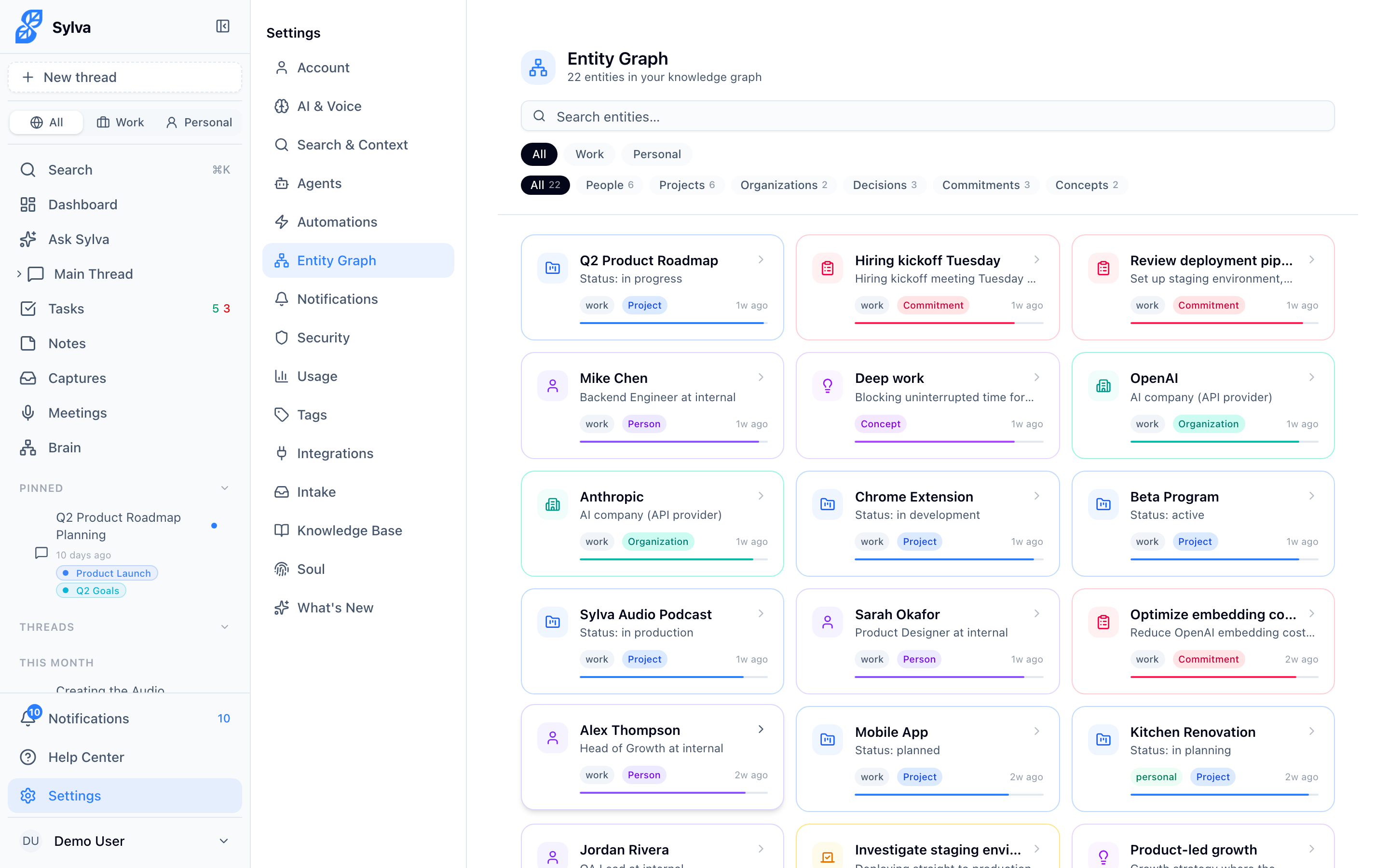
Mention Tracking
Sylva tracks how often and how recently each entity appears in your conversations. This mention data feeds into confidence scores and helps the maintenance agent (covered below) identify which entities are still relevant and which have gone stale.
The Self Entity
One entity in your graph has the type self — it represents you. Sylva extracts objective facts about you from your conversations: your role, your team, projects you own, preferences you've stated, and other concrete details. This gives Sylva the context to personalize responses without you filling out a profile.
The self entity works the same as any other entity — you can view its facts, edit them, and delete anything that's wrong — but its source material comes exclusively from what you've said in conversations.
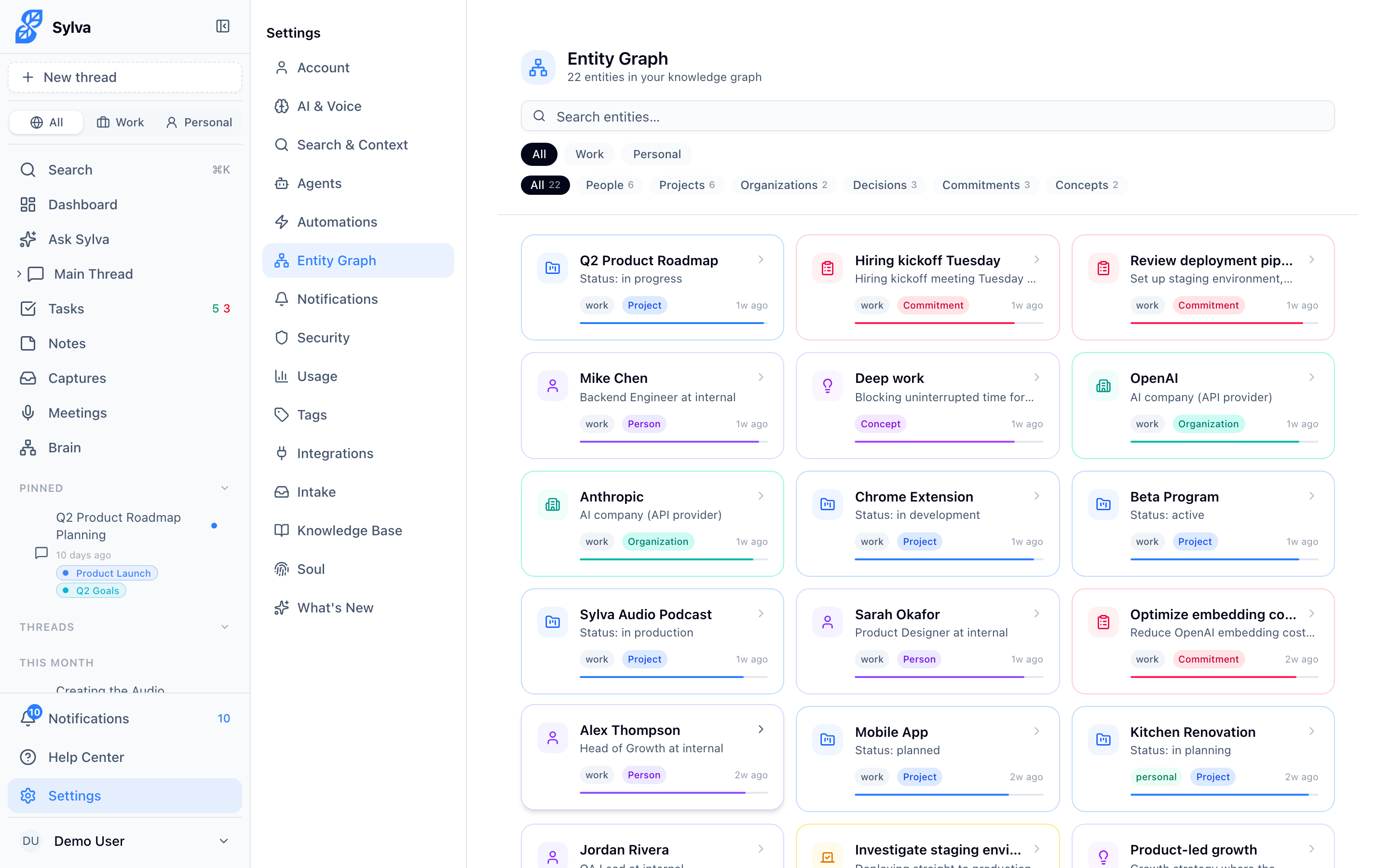
Filtering by Profile
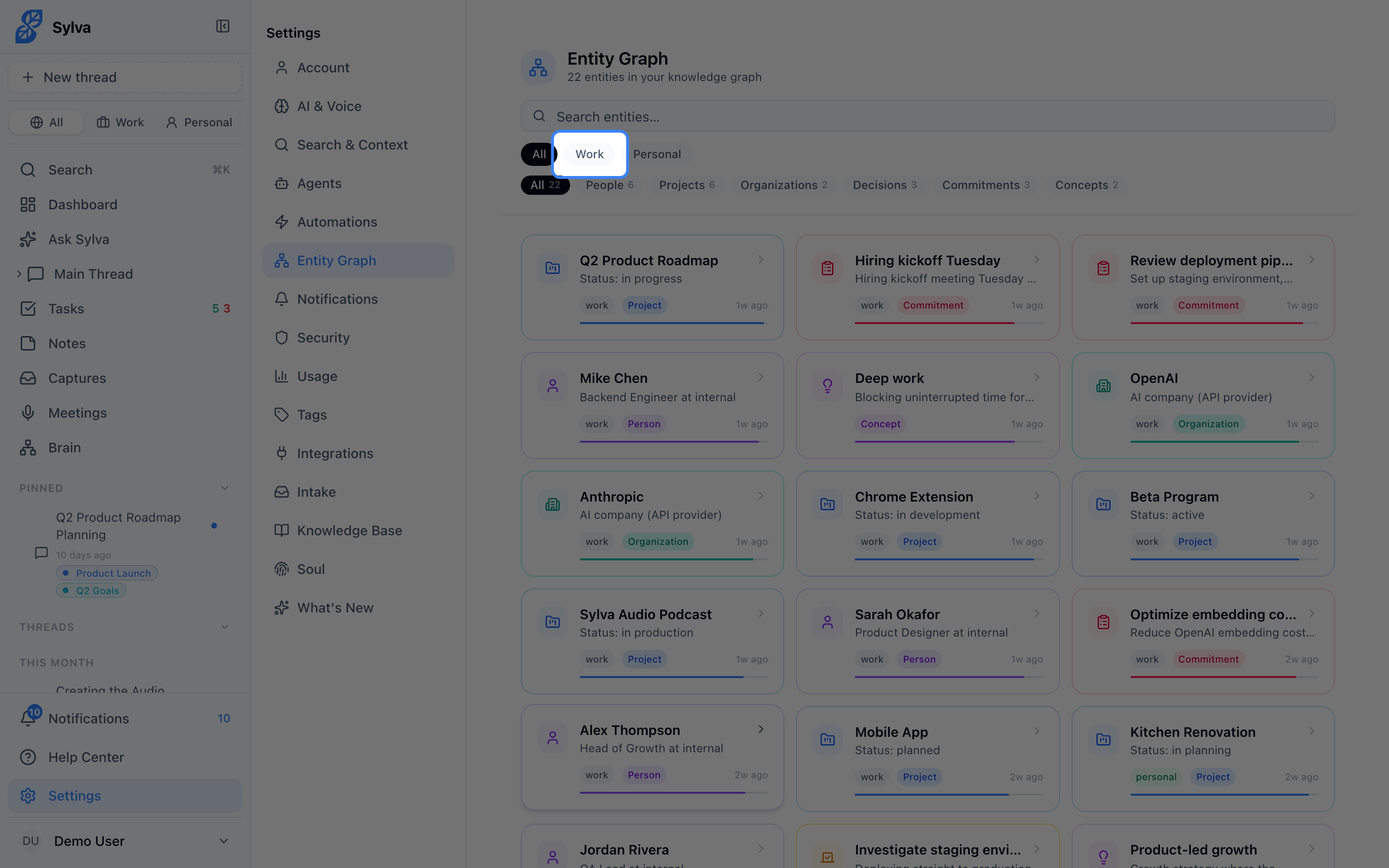
Entities belong to one of your profiles, or to All profiles if they apply everywhere. Use the dropdown at the top of the Entity Graph page to filter what you see — pick a profile, or All to see everything.
You can change an entity's profile from its detail page by clicking the profile badge. This is useful when someone starts as a work contact and becomes a friend (or vice versa).
Merge Proposals
When Sylva's extraction creates two entities that appear to be the same — say, "Dave Miller" and "David Miller" — it generates a merge proposal. You'll see a banner on the affected entities suggesting they be combined. Review the facts and relationships from both, then accept or dismiss the merge. Accepting consolidates everything into a single entity; dismissing tells Sylva to treat them as separate going forward.
Entity Maintenance Agent
Over time, facts go stale. Someone changes roles, a project wraps up, or a commitment gets fulfilled. The entity maintenance agent runs periodically to flag these issues. It looks for:
- Facts that haven't been mentioned in a long time
- Entities with low confidence scores and no recent mentions
- Contradictory facts (e.g., two different job titles for the same person)
When the agent finds something, it flags the fact or entity for your review — it doesn't delete anything automatically. You can see the maintenance agent's status and trigger it manually from Settings → Agents.