Your security settings are in Settings > Security, where you can see how your data is protected and export it.
How Your Data Is Protected
All your data is encrypted at rest on the server, so it is stored in scrambled form rather than as plain text. Settings > Security shows this as Server-side encryption.
File Uploads
When you attach a file in a conversation, Sylva uploads it directly from your browser to Supabase Storage — it never passes through an intermediate application server. This matters for two reasons:
- Privacy — Your file contents aren't routed through additional infrastructure, reducing the surface area where data could be intercepted or logged
- Reliability — Large files upload more consistently because there's no middleware timeout or request-size limit in the path
Once the upload completes, Sylva creates the attachment record, generates a signed URL, and — depending on the file type — automatically extracts text or generates an image description so the content is searchable in your conversations.
Exporting Your Data
You own your data. Export everything at any time:
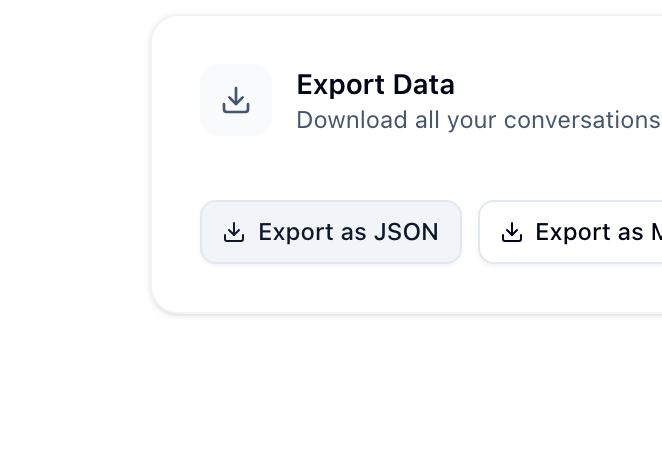
- Go to Settings > Security
- Click Export Data
- Choose your format:
- JSON — Machine-readable, good for backups or moving to another system
- Markdown — Human-readable, great for personal archives
- Your data downloads to your device
Deleting Your Account
You can permanently delete your account and all associated data from Settings > Account. This removes everything — threads, messages, tasks, meetings, files, and settings. This action cannot be undone.